System design
Camera, switcher, monitor and room connections, cable routes and failure scenarios.
01 | Challenge
ITCE trains IT specialists and runs consulting projects. Its courses are streamed, recorded and watched remotely, and the company won an EU-funded project to bring that work to a professional level.
The requirement was specific: three different rooms, used for different formats on different days. Three permanent control rooms would triple the equipment, while permanent cabling across the floor would require building work. A conventional mobile setup would still mean hours of sorting and connecting cables before a 9:00 start.
The requirement was a room that could be set up and moved in about fifteen minutes.
02 | Solution
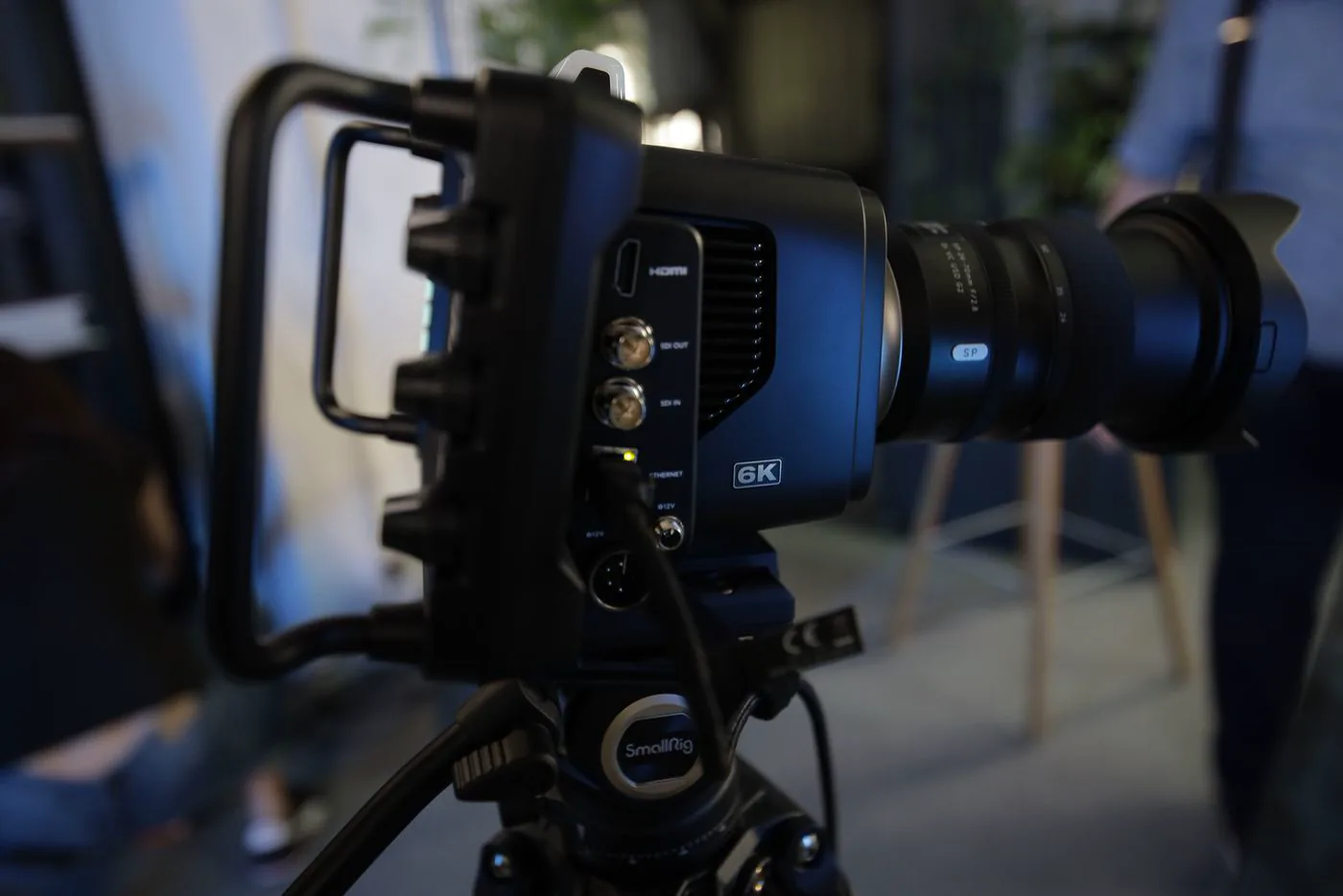
Each camera connects through one network cable instead of separate video, power, control and return lines. The cable carries picture, sound, power, control from the desk, tally and the return feed to the viewfinder. At the rack, a converter labelled CAM 1 to CAM 6 separates those signals before video reaches the ATEM switcher.
For six cameras, room setup becomes six connections instead of twenty-four, with each camera position clearly identified.
03 | Custom build
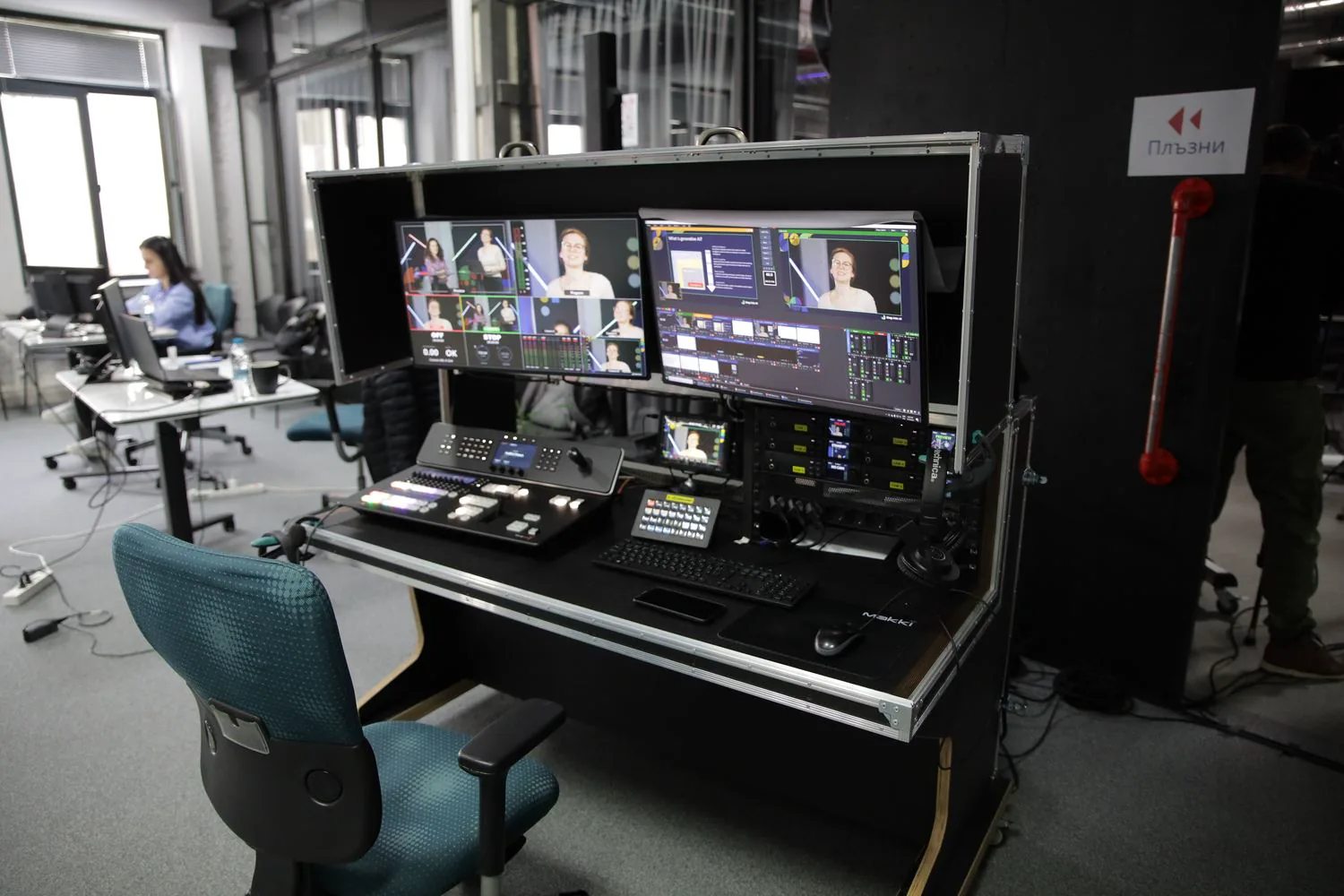
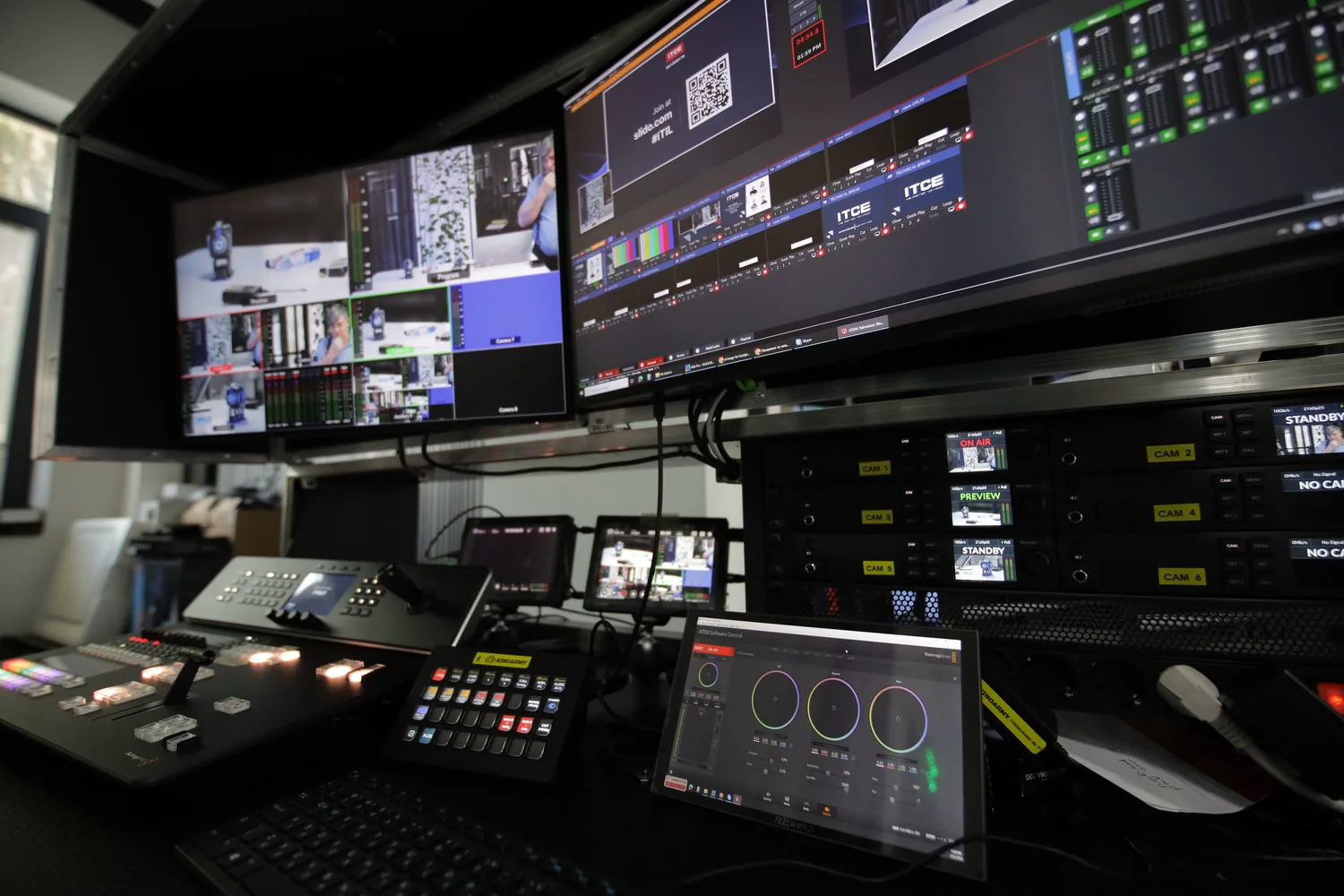
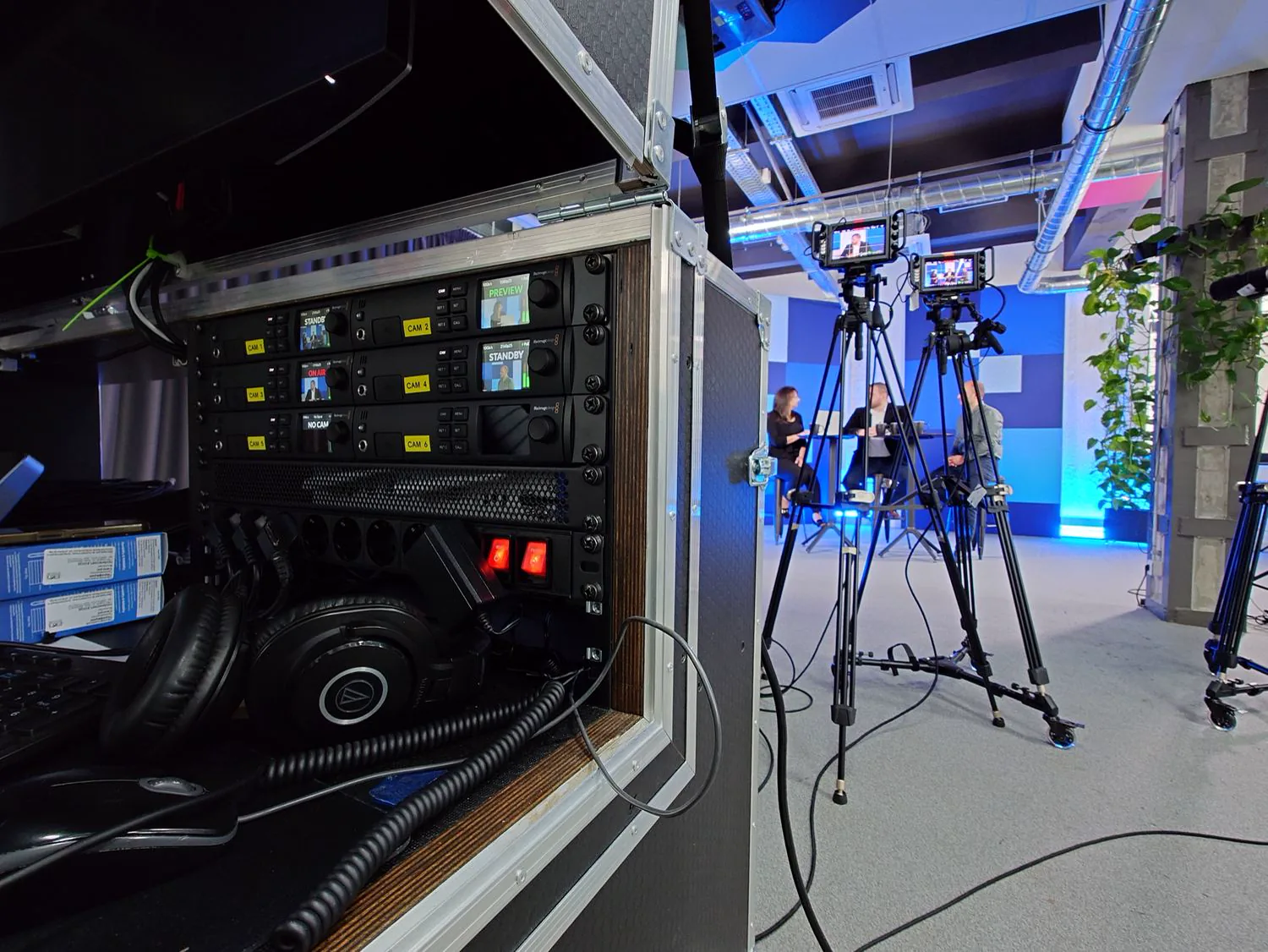
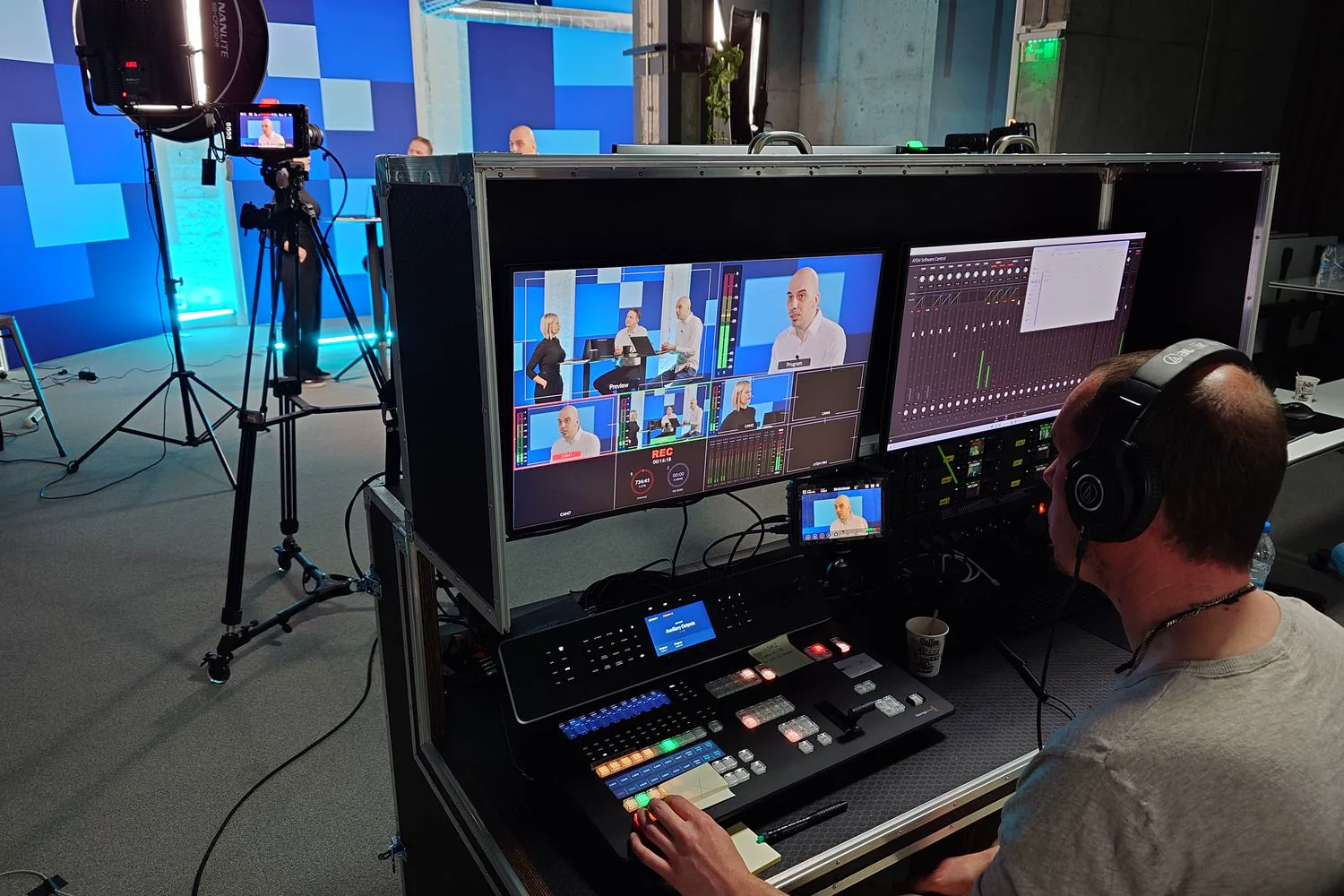
Kino Army designed and built a mobile rack-desk for this operating model. The monitors lift with the lid, all equipment remains connected inside, and the working surface carries the switcher, keyboard and colour controls. Six labelled camera-control units sit at eye level, and two switches power the system.
The desk passes through a doorway, travels in a lift and moves between rooms with the six camera cables.
04 | Scope
Camera, switcher, monitor and room connections, cable routes and failure scenarios.
Structure, equipment layout, internal wiring and production of the mobile desk.
Specified equipment supplied, installed and commissioned.
Setup, cameras, switching, directing, recording and streaming.
Response within two hours, resolution within two working days and replacement equipment for a longer repair.
Kino Army supports the ITCE team at large and complex broadcasts.
05 | Equipment
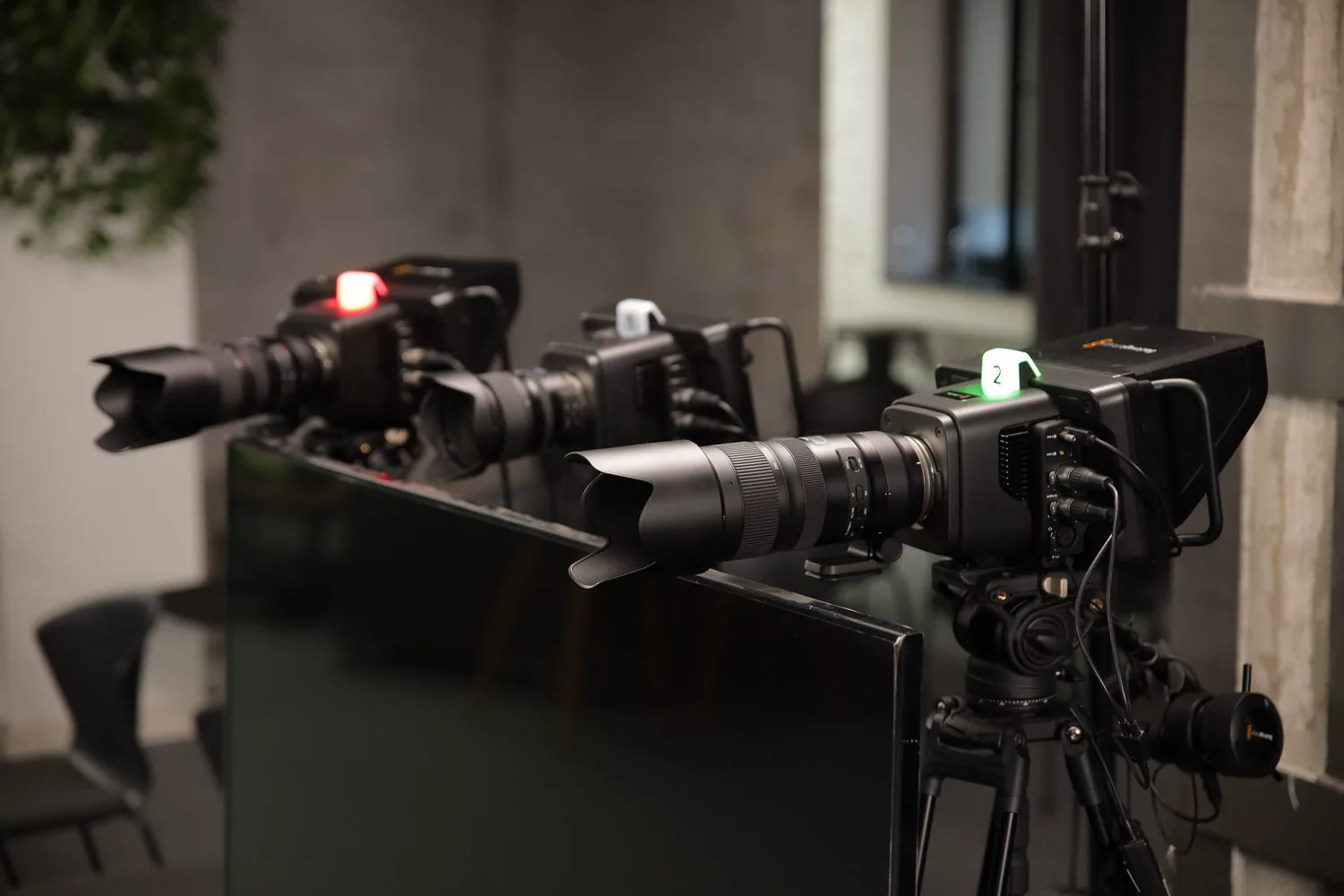
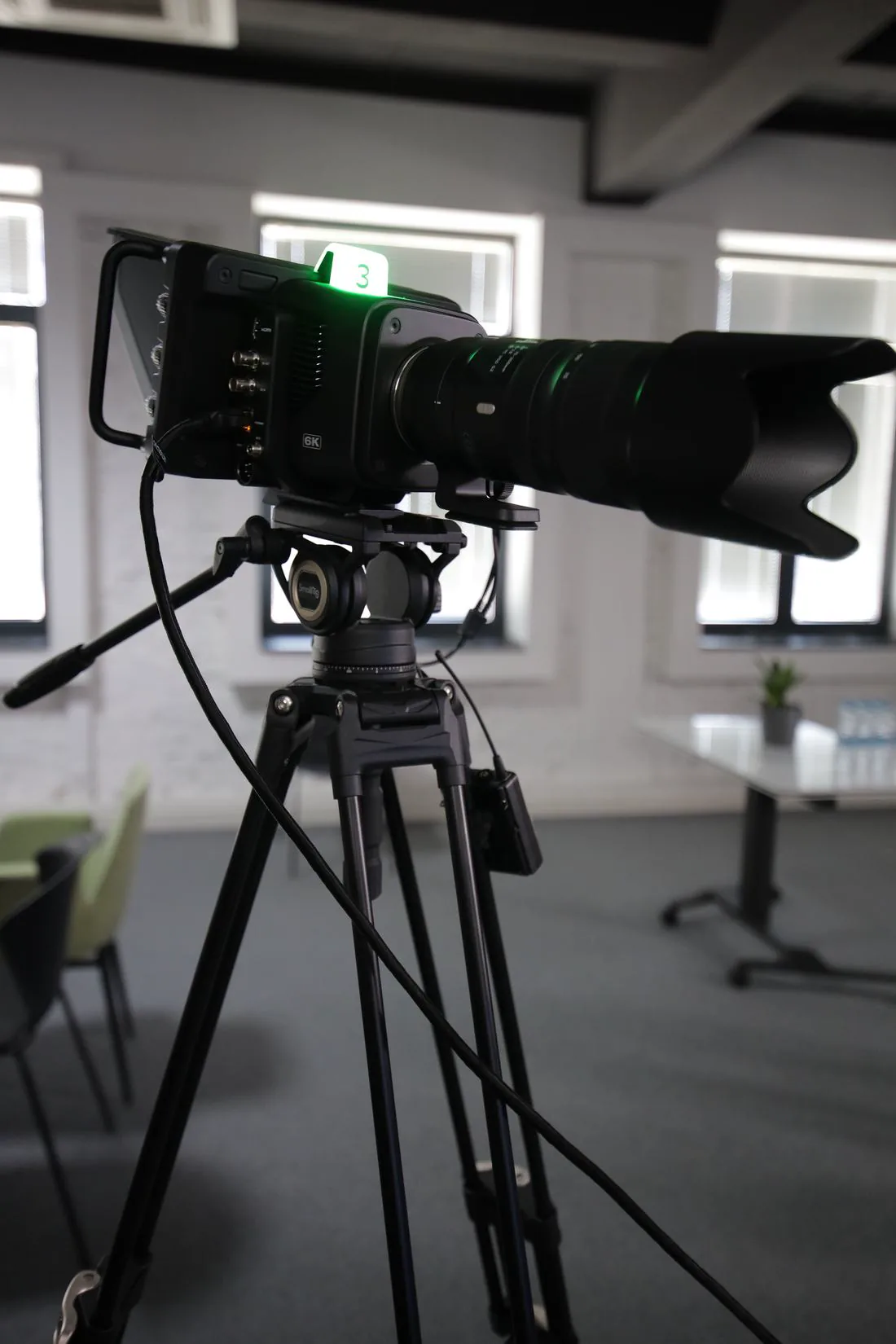
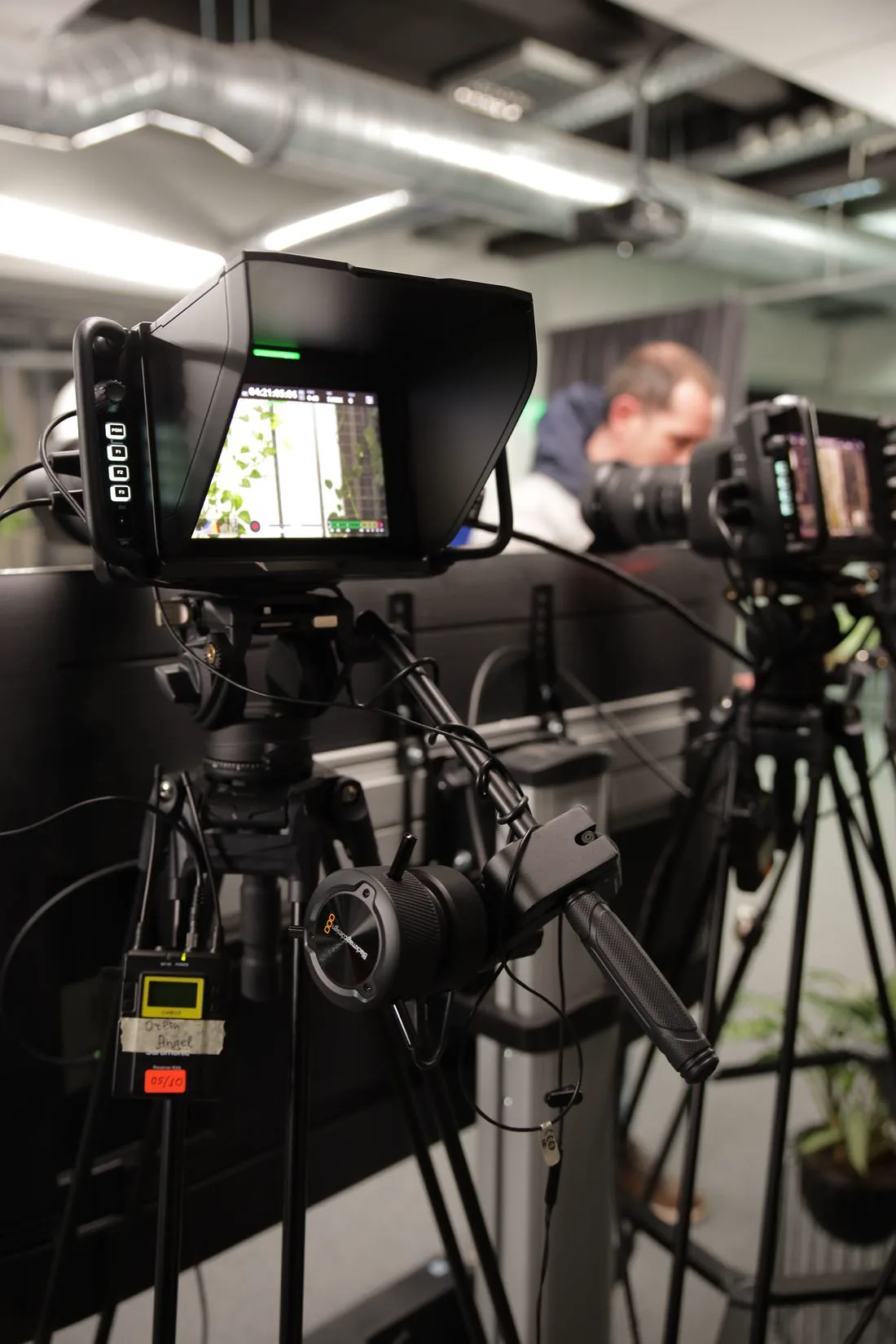
Studio cameras with zoom lenses and remote focus, iris and colour control.
CAM 1 to CAM 6 units separating video, power, camera control and return signals.
Eight-channel switcher for the main streaming rooms.
Four-channel switchers with isolated camera recording.
Operator multiview, programme, preview and audio monitoring.
Picture checking, recording and presenter return monitoring.
All-in-one conference systems for daily hybrid meetings.
Short-throw laser projectors for the 100 m² and 150 m² rooms.
Technical focus
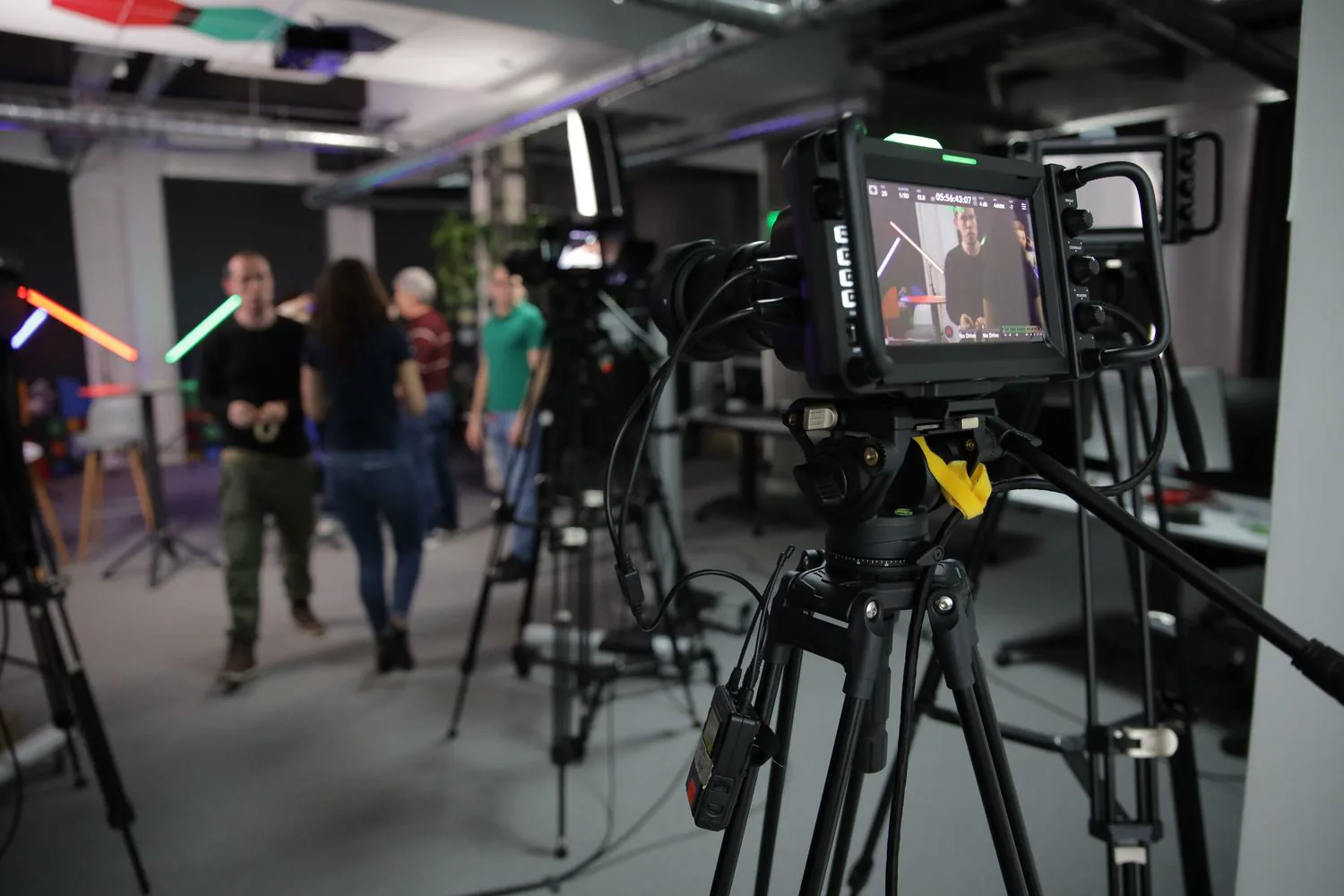
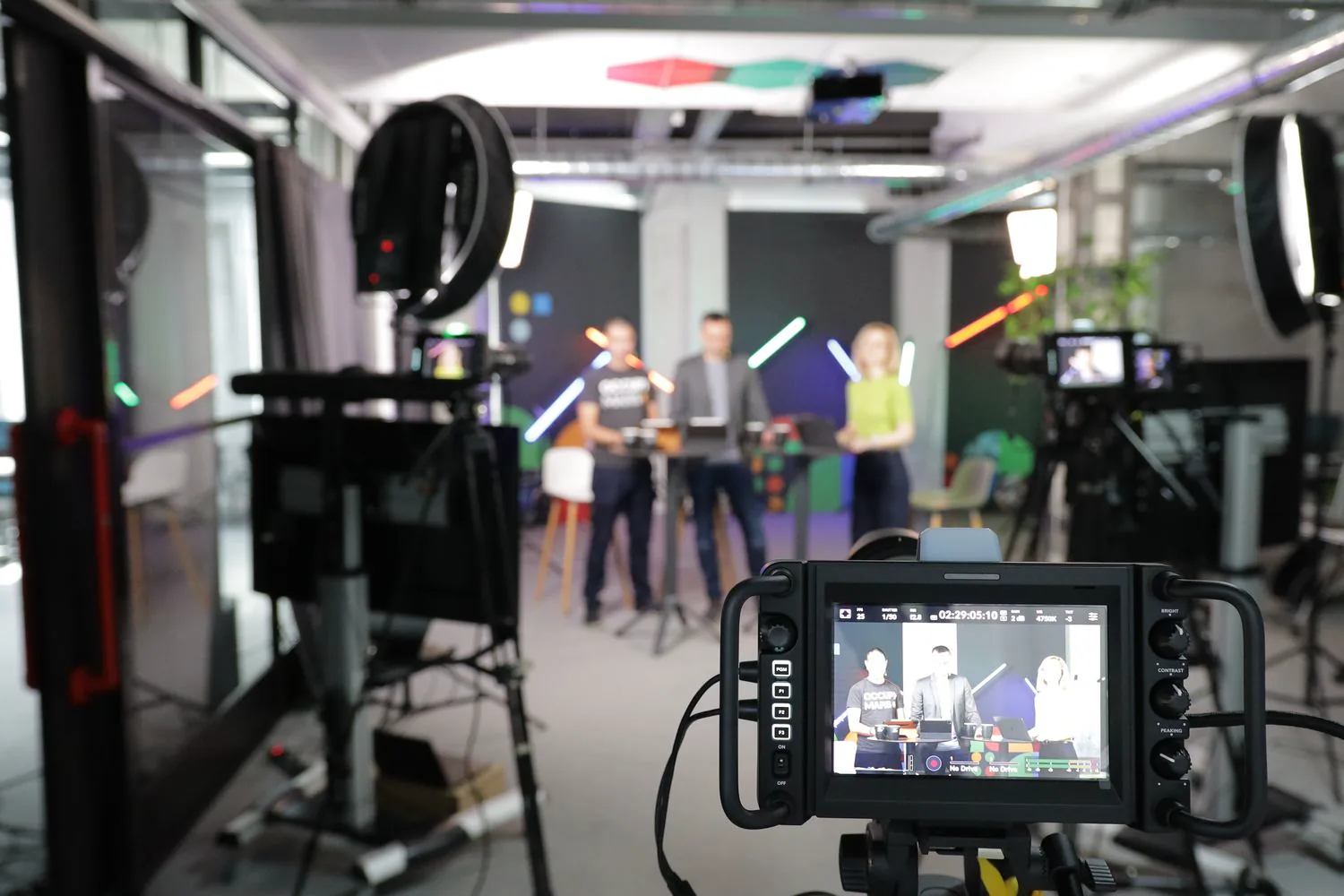
The cameras remain on tripods during an event. Frames are prepared before the start, the operator switches between them at the desk, and tally shows the presenter which camera is live. Brightness, colour and iris are adjusted remotely.
On a working day the desk enters the room, the cameras are placed, and six cables are connected. During the event the operator switches cameras, monitors sound, plays presentations and graphics, and watches the stream. The programme and isolated camera feeds record in parallel.
06 | Support
Warranty from commissioning for all delivered equipment.
Response after receiving a fault report during the warranty period.
Resolution, with replacement equipment if repair takes longer.
People and experience for large and complex ITCE broadcasts.
07 | Result
Setup uses six camera cables and two power switches.
The same equipment moves between the three rooms.
No permanent cabling was installed across the floor.
The trained in-house team runs its own courses and streams.
Individual camera recordings remain available after the event.
Supply, documentation, training and warranty were included.
Gallery
We start with a site visit and a discussion of how the rooms will be used.