Blackmagic Camera ProDock
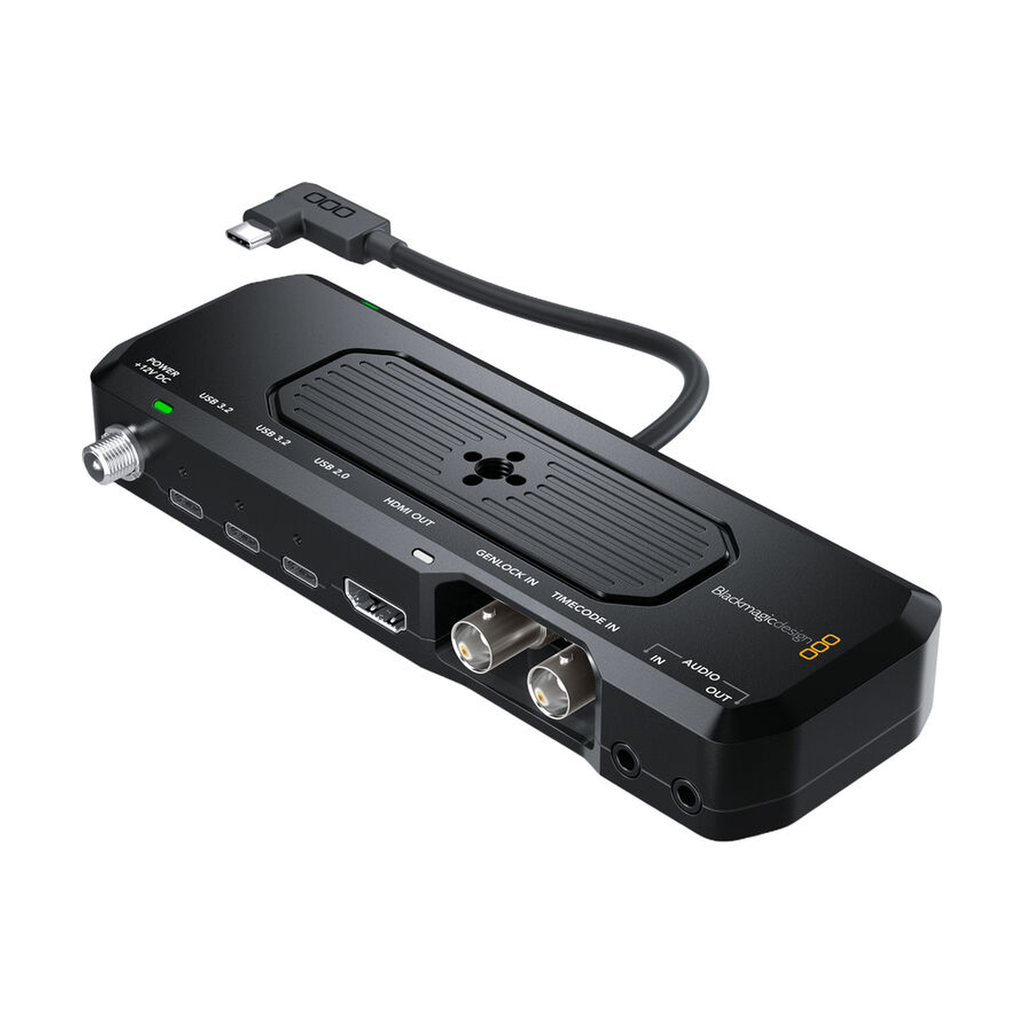
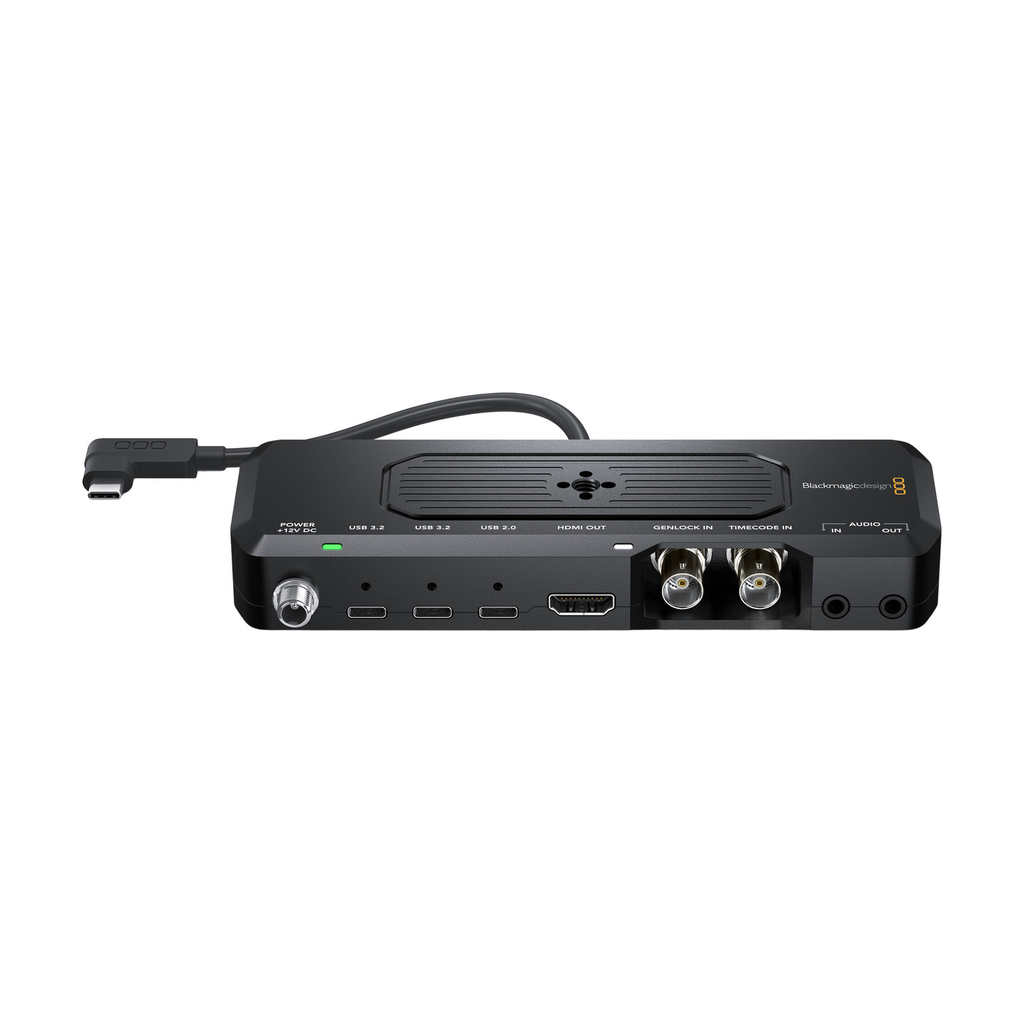
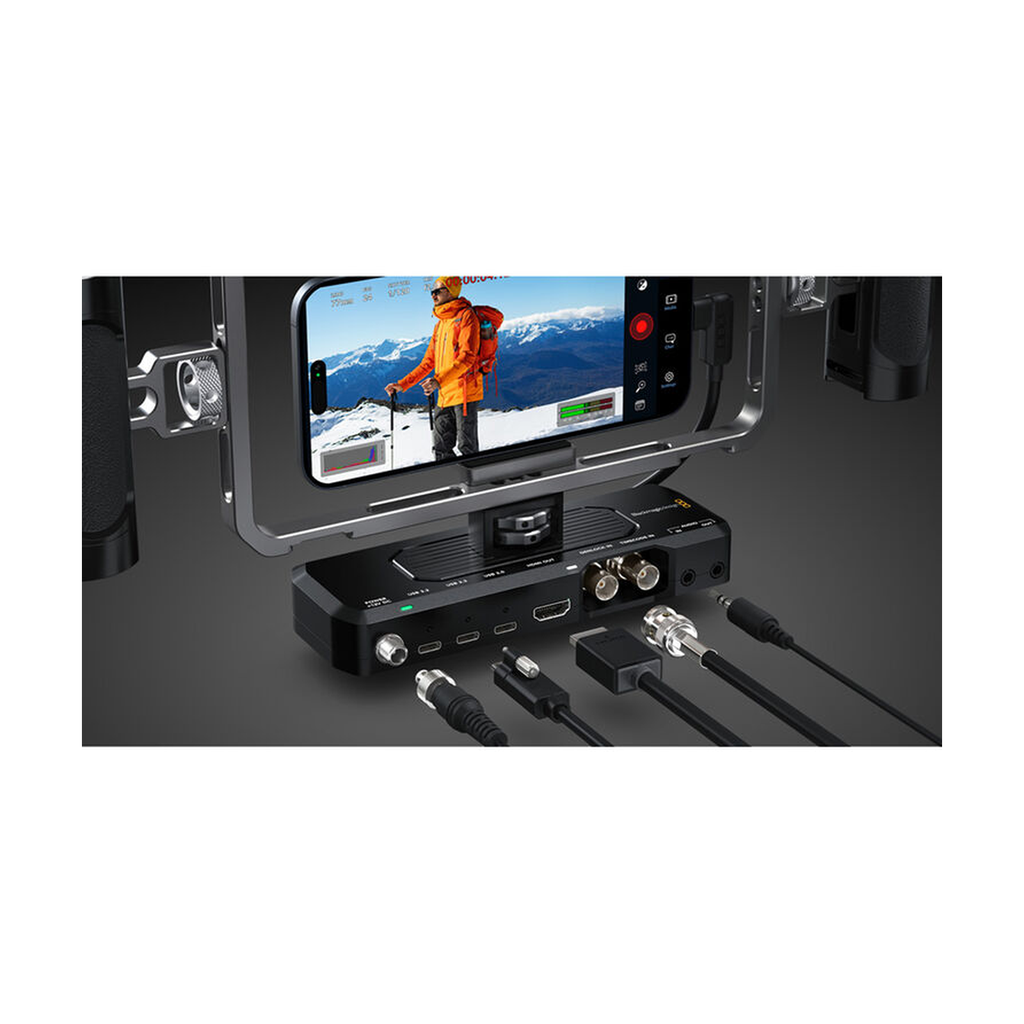
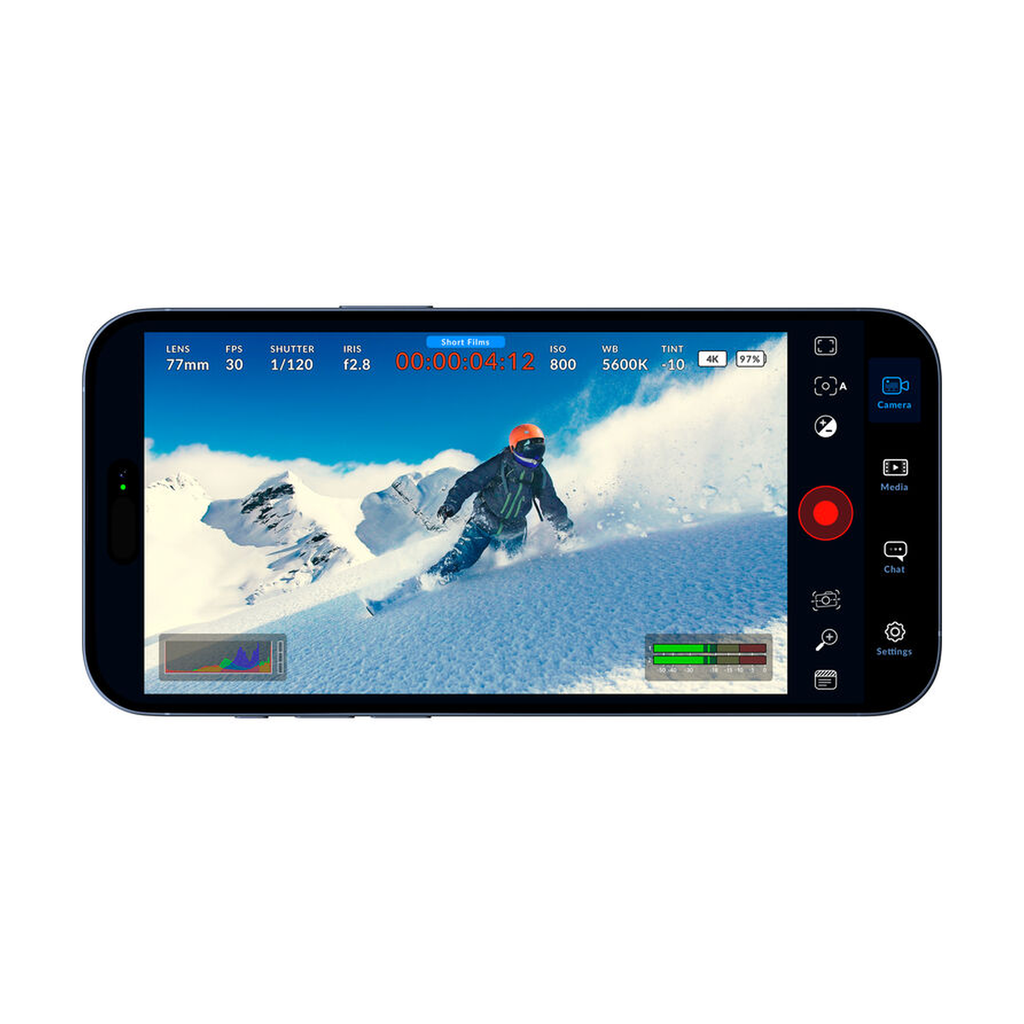
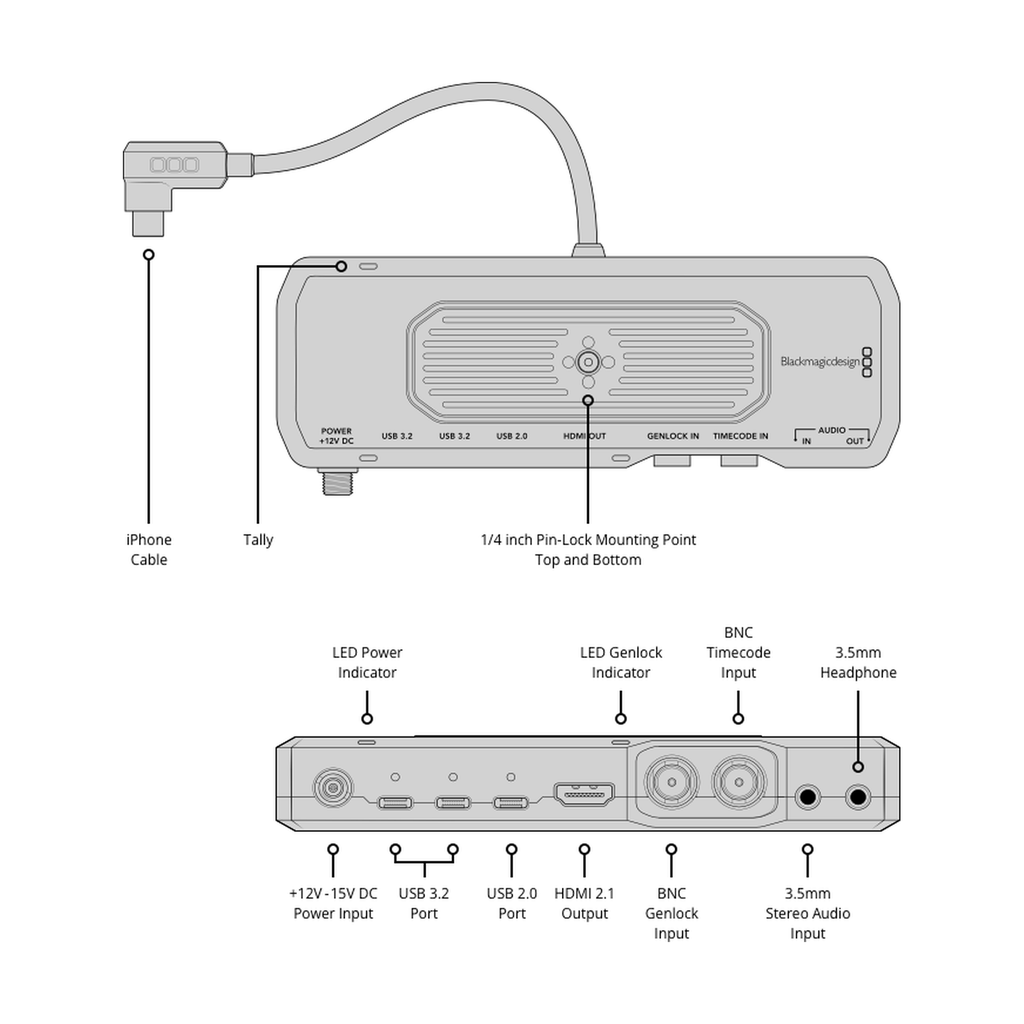
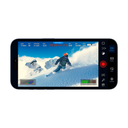
Blackmagic Camera ProDock brings the connections for a compatible iPhone into a camera setup with an external monitor, microphone, recording media and power. It works with the Blackmagic Camera app and connects to the phone through its captive USB-C cable. An operator can frame on a separate screen, monitor sound on headphones and record to an external disk rather than relying solely on the phone display and available internal storage.
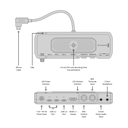
The full-size HDMI 2.1 Type A output carries the resolution and frame rate selected in Blackmagic Camera for iOS. The app lets you choose a mirrored display or a video feed, with a clean-feed setting to remove monitoring overlays when feeding a switcher. The 3.5 mm audio input accepts microphone or line-level sources with the corresponding input-level selection; microphone input can be configured as mono or stereo. A separate 3.5 mm output provides headphone monitoring during recording and playback.
Recording and accessories
Two USB 3.2 ports connect external media for longer recordings. Two disks can be attached at once, with the recording destination selected in the app. This does not mean simultaneous redundant recording to both disks. Media must sustain the write speed required by the selected recording format, rather than simply offer a high peak transfer speed. A separate USB 2.0 port remains available for control accessories, including Blackmagic Zoom Demand and Focus Demand.
Synchronization and studio operation
For multicamera work, the two BNC inputs serve different purposes: timecode helps align recorded files in the edit, while genlock synchronizes when frames are captured. The genlock input accepts Tri-Sync or Black Burst, and the external reference frame rate must match the app setting. This also matters when filming LED walls to help reduce flicker and tearing. External LTC timecode can alternatively enter through the left channel of the 3.5 mm input instead of the BNC input, with the corresponding source selected in settings.
In a studio setup, an HDMI connection to ATEM Mini carries camera-control commands and tally back to ProDock. ATEM Software Control can adjust focus, white balance and other camera parameters, while Blackmagic Camera timecode and frame rate automatically synchronize with the switcher. A clean HDMI feed without the app overlays is available for production switching. These capabilities apply to the documented ATEM Mini integration, not to an arbitrary HDMI monitor or switcher.
Compatibility, power and mounting
The dock requires iOS 26 or later. iPhone 15 Pro, iPhone 15 Pro Max, iPhone 16 Pro and iPhone 16 Pro Max support the features other than genlock; genlock is available only with iPhone 17 Pro and iPhone 17 Pro Max. The locking DC input accepts 12-15 V, and a 12 V, 60 W power supply is included. With the dock powered, its captive cable charges the phone while the USB-C ports power attached media and accessories. Top and bottom 1/4-20 pin-lock mounting points let the dock integrate with a phone cage or tripod; a 1/4 inch to 1/4 inch mounting adapter is included.
Key Features
- Video output: 1 × HDMI 2.1 Type A
- External media: 2 × USB 3.2 ports
- Control accessories: 1 × USB 2.0 port
- Synchronization: 1 × BNC genlock input and 1 × BNC timecode input
- Audio connections: 3.5 mm microphone/line input and 3.5 mm headphone output
- Power connector: Locking 5.5 mm DC input, 12-15 V
- Power per USB-C port: 5 V, 1.5 A, 7.5 W maximum
- Indicators: Power, genlock and tally LEDs with adjustable brightness
Official product page: Blackmagic Camera ProDock
Source: official Blackmagic Design website, catalog and technical specifications. Content has been edited by the KinoArmy AI agent and may contain inaccuracies or errors.