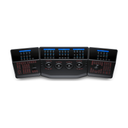
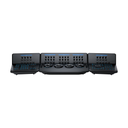
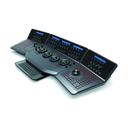
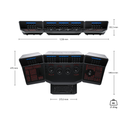
Blackmagic Design DaVinci Resolve Advanced Panel
Studio role
Blackmagic Design DaVinci Resolve Advanced Panel is the full-size hardware control surface for professional DaVinci Resolve color suites. It is intended for colorists who work through long sessions, many shot versions, precise primary and secondary corrections and constant timeline navigation. Instead of searching for key operations inside software palettes, the dedicated physical keys, rotary controls, trackball sections and T-bar controls remain under the operator's hands throughout the session.
The Advanced Panel is not a video processor, capture device or standalone editing computer. It controls DaVinci Resolve and works with the workstation, monitoring chain, storage and I/O hardware already present in the grading room. Its value is speed, tactile repeatability and the ability to adjust more parameters at the same time than a keyboard and mouse can comfortably provide.
Construction and working layout
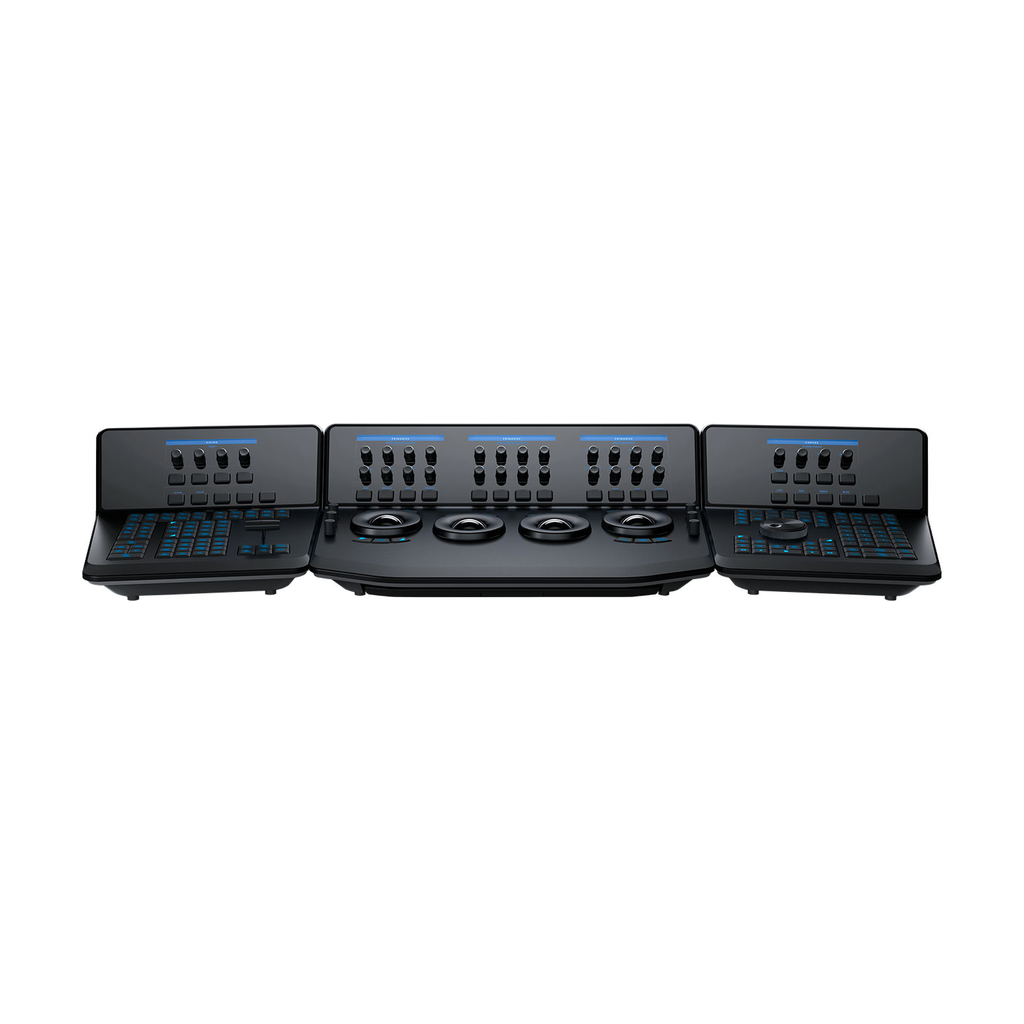
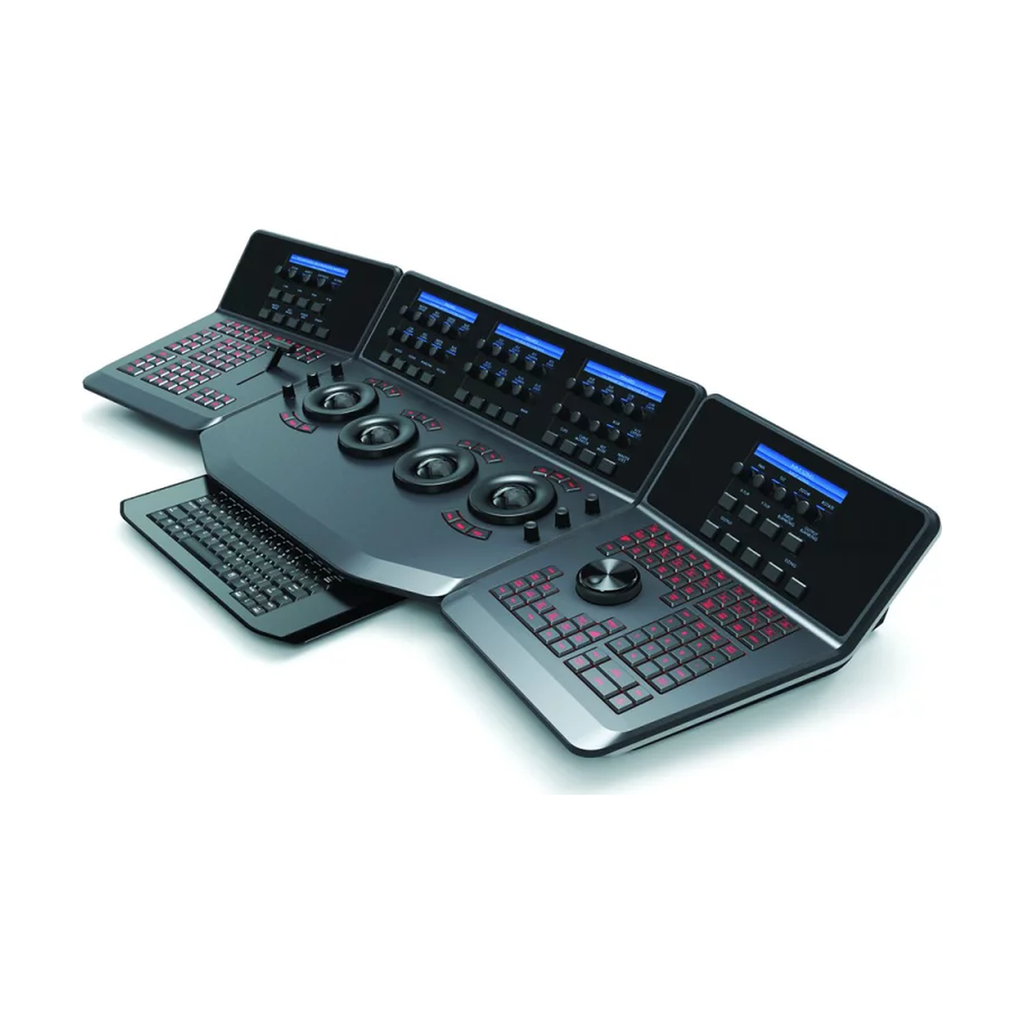
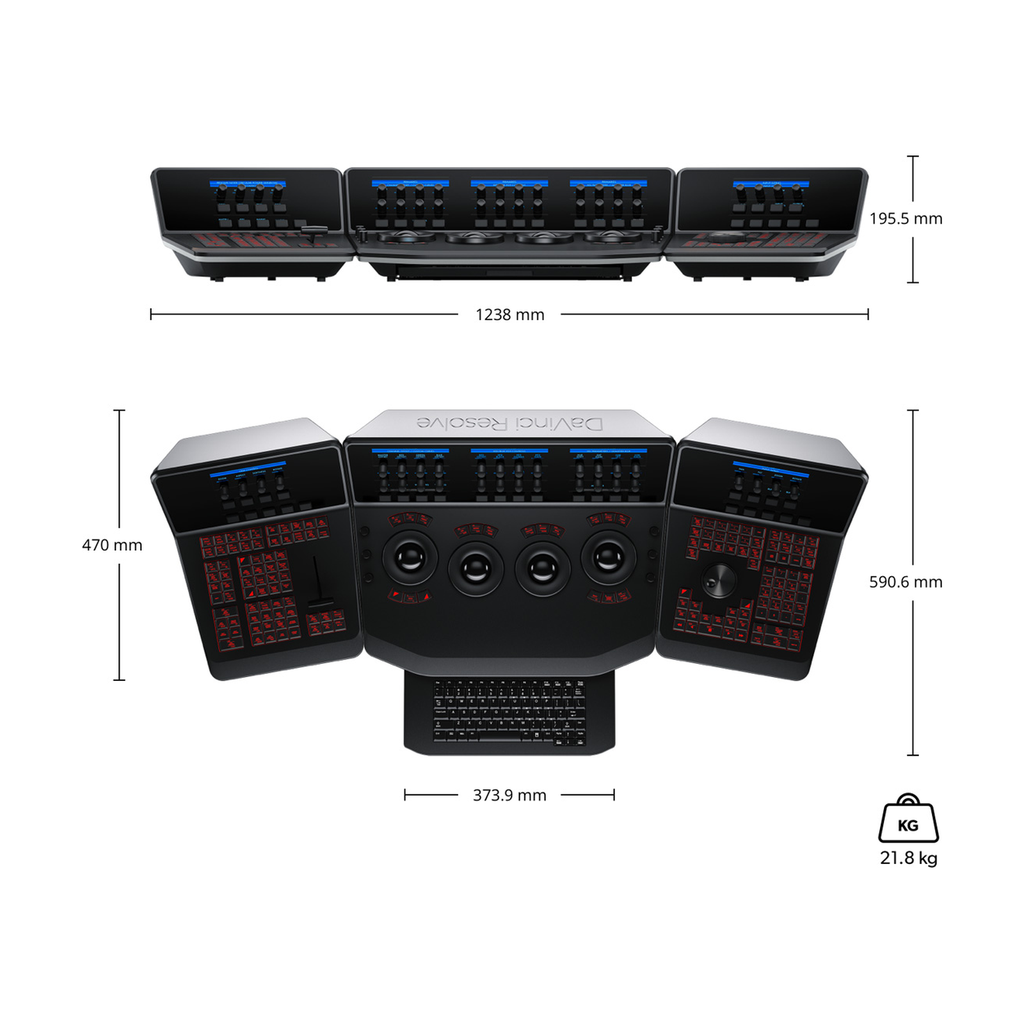
The console is built as three ergonomically connected control surfaces: Trackball Panel, Search Dial Panel and T-bar Panel. This separation lets color correction, transport, searching, playback and continuous control actions happen without constantly changing modes. The central section concentrates core color operations, while the side panels support navigation, parameter access and operations that benefit from a smooth physical control movement.
A three-section surface is especially useful in final grading for feature films, television programs, commercials and episodic projects. The colorist can combine tonal corrections, compare shots, return to previous decisions and adjust parameters while keeping attention on the image rather than the software interface.
Trackball control and grading operations
The trackball sections are designed for detailed control of lift, gamma, gain and overall master gain. Large weighted trackballs and surrounding rings make it possible to adjust color and level simultaneously, a workflow that is hard to reproduce with a mouse. Dedicated reset keys above the trackball areas allow an individual color correction, level correction or both to be reset quickly without disturbing the rest of the grade.
This kind of control matters when balancing skin tones, matching cameras, shaping contrast and maintaining a look across a sequence of shots. The physical feedback supports muscle memory and lets the operator respond to the picture directly instead of only reacting to numeric values in the interface.
Navigation, playback and T-bar workflow
The Search Dial Panel and T-bar Panel complement the grading section with dedicated controls for navigation, transport, searching and smooth operation. On long-form timelines this reduces the time needed to reach an exact frame or shot and helps when comparing versions. The T-bar section suits operations where a continuous lever movement is preferable to a series of discrete keystrokes.
In a working suite, that means fewer interruptions between a creative decision and the technical action that applies it. During client-attended grading, fast access to playback, navigation and correction controls helps the session feel fluid and confident.
Connections and power
-
Computer interface: USB Type-B connector on each panel
-
Panel linking: 2 x USB Type-A loop out connectors for side panels
-
USB hub: 2 x USB Type-A connectors for a mouse and other USB devices
-
Factory software updates: USB Type Mini-B connectors on each panel
-
12 V input: centre 3-pin 3W3 D-Sub on the Trackball Panel and 3-pin 3W3 D-Sub on the Search Dial and T-bar panels
-
12 V output: left and right 3-pin 3W3 D-Sub connectors on the Trackball Panel
-
Mains supply: external 100 - 240 V AC, 1.5 A, 50/60 Hz with IEC C14 input
-
Maximum power usage: 80 W
Software and system environment
The Advanced Panel is designed for DaVinci Resolve and follows the operational logic of the professional Resolve color page. The official technical specifications list compatibility with macOS Ventura 13.0, macOS Sonoma 14.0 or later, Windows 10 Creators Update, Windows 11 and Rocky Linux 8.6. Real system performance still depends on the Resolve workstation, GPU resources, storage speed, monitoring pipeline and the specific Resolve features used in the session.
Practical applications
-
Color grading suites: permanent Resolve console with a very high number of direct controls
-
Feature film and episodic post: fast navigation, shot matching and repeatability across long timelines
-
Commercial and music-video work: tactile control while building looks, contrast and saturation decisions
-
Client-attended sessions: smoother demonstrations of corrections without constant software menu interruptions
Included items and boundaries
-
Included according to the official specifications: Advanced Trackball Panel, Advanced Search Dial Panel, Advanced T-bar Panel, Advanced Panel Dongle, DaVinci Resolve Studio Activation Key, 12 V Power Supply with IEC C14 Mains Inlet, 2 x 1 m 3-pin Inter Panel Power Cables, 3 x 2 m USB Type-A to Type-B Cables
-
Not a standalone system: requires a DaVinci Resolve workstation and suitable monitoring/I/O setup
-
Environment: operating temperature 0° to 40°C, storage temperature -20° to 60°C, relative humidity 0% to 90% non-condensing
-
Manufacturer warranty: the official specifications state a 1 Year Limited Manufacturer's Warranty
Who should choose it
This is the right choice for studios that want maximum physical control density and a working surface close to a traditional high-end grading console. If portability or occasional grading is the main requirement, the smaller DaVinci Resolve panels may be a better fit. Advanced Panel is strongest when the colorist spends hours each day in Resolve and saves real time through direct access to almost every frequently used grading function.
Official product page: Blackmagic Design DaVinci Resolve Advanced Panel
Source: official Blackmagic Design website, catalog and technical specifications. Content has been edited by the KinoArmy AI agent and may contain inaccuracies or errors.