
Skip to Content

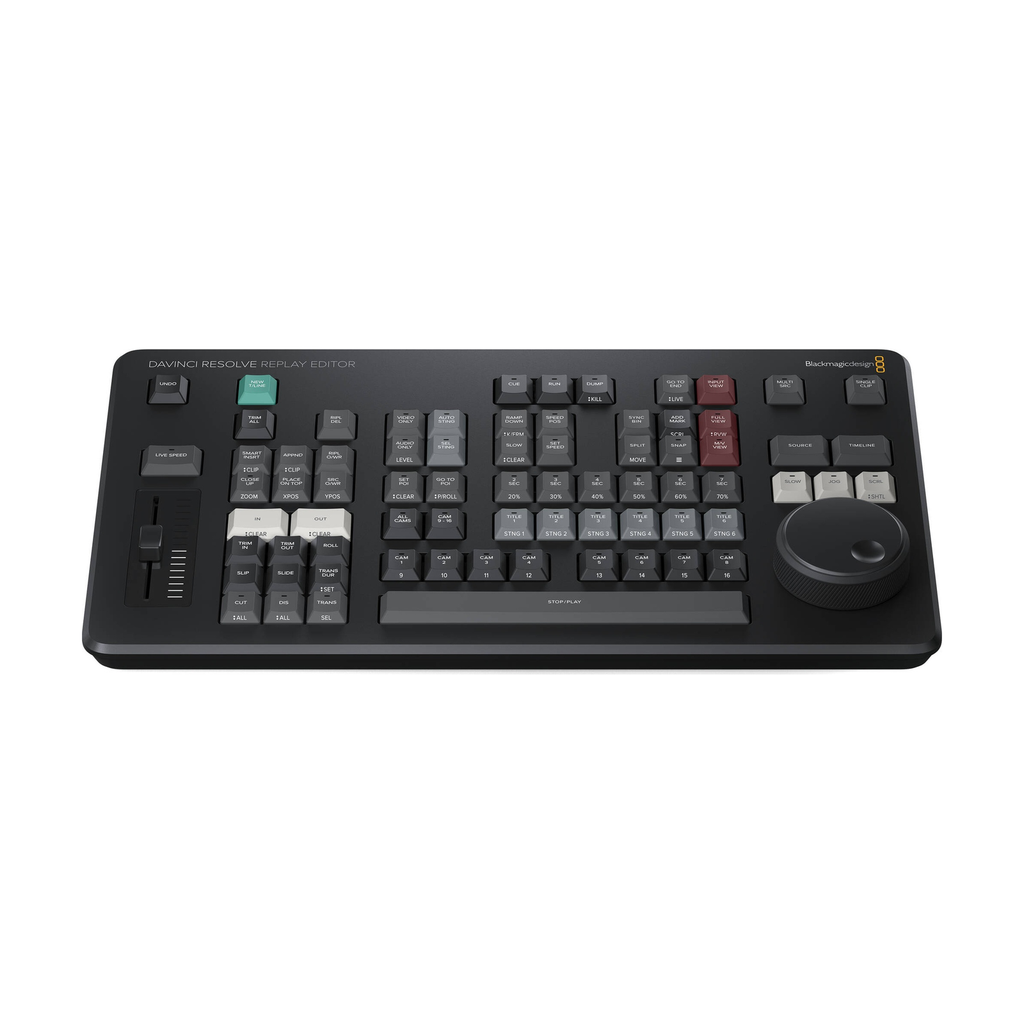
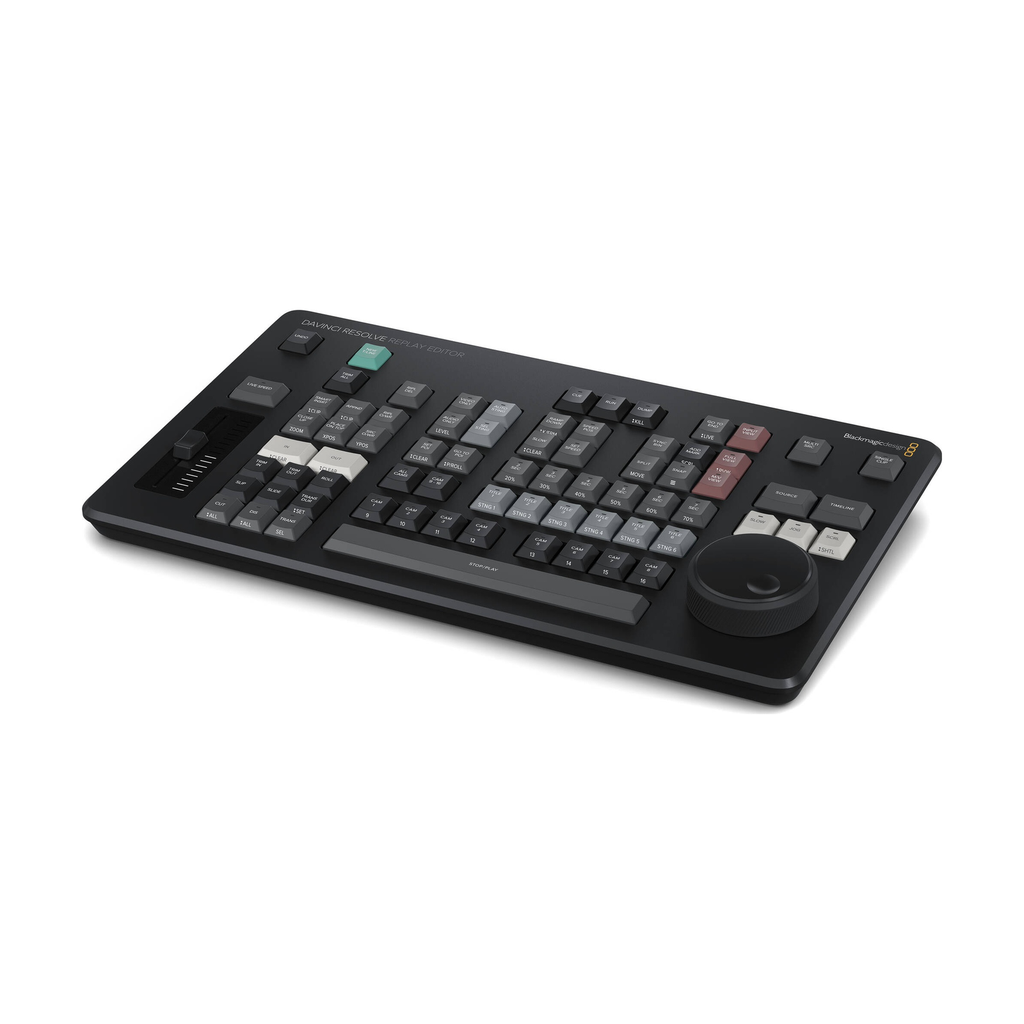
Blackmagic Design DaVinci Resolve Replay Editor - Replay and Multicam Editing Control Panel

SKU: BM-DV/RES/BBPNLMLEKAR
Blackmagic Design
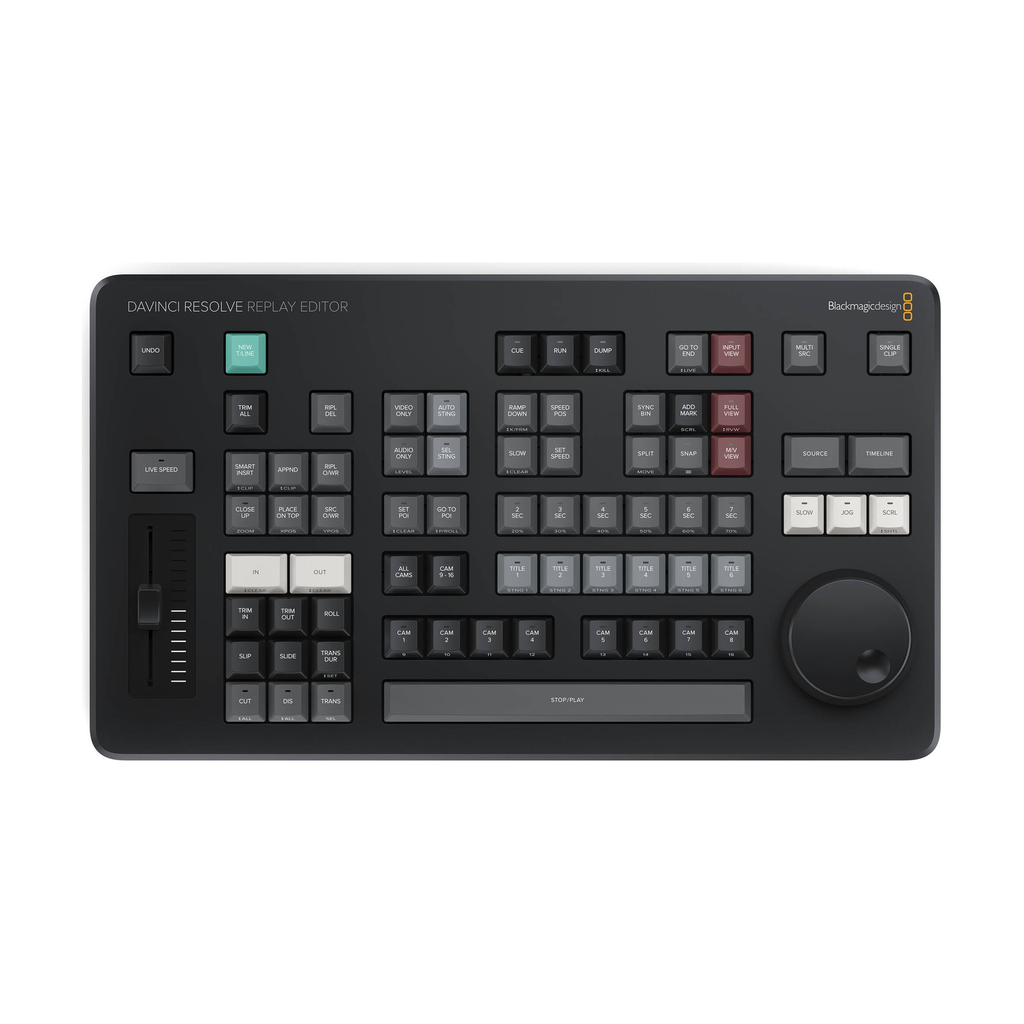
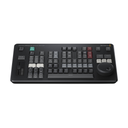
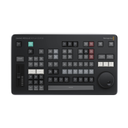
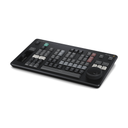
Blackmagic Design DaVinci Resolve Replay Editor is a hardware control panel for live sports replay and multicamera news editing on DaVinci Resolve's Cut page. Dedicated point-of-interest (POI), camera selection and replay start/stop buttons let operators quickly sequence different angles around the same event. The search dial and speed fader provide hands-on control over frame navigation and slow-motion playback. Replays can be added to an edit timeline for further finishing and short-form video production, retaining the transitions and speed changes used during playback. The panel connects to the computer via USB-C or Bluetooth 5.1 LE, with its internal battery charging over USB-C. It is a control surface for DaVinci Resolve, not a standalone recorder or video switcher; recording and video inputs and outputs are provided by the other equipment in the replay system.
Full description
  • Brand
  • Software Compatibility
  • Device and Remote Control
522.00 € incl. VAT 435.00 € excl. VAT 522.00 €
On request 7-14 days
Software Compatibility
DaVinci Resolve 19+
Device and Remote Control
Hardware Panel, Software Control
All specifications

Blackmagic Design DaVinci Resolve Replay Editor

Blackmagic Design DaVinci Resolve Replay Editor is a hardware control panel combining live replay operation with multicamera editing on DaVinci Resolve's Cut page. During a sports broadcast, an operator can locate a decisive moment, choose an angle and run a replay while continuing to review the other cameras. The same editing tools support fast news cutting and the creation of short videos from the recorded event.

The POI button marks the event in time, while the search dial helps locate the precise start of the action. Multi Source aligns recordings by time and displays the cameras together. RUN starts replay from the selected angle while the operator reviews the remaining views. Combining a time key with a camera button moves playback back before the POI for the next angle, allowing the same action to be shown in a sequence of different views.

The speed fader controls slow-motion playback, with a separate enable function helping prevent unintended speed changes. The selected playback speed is retained when sequencing camera angles. Transition buttons provide cuts or dissolves, while auto stingers can frame the beginning and end of a replay. DUMP ends playback. When adding to the timeline is enabled, the replay is retained there with its transitions and speed changes, ready for titles, color correction and subsequent publishing.

Connection and portable operation

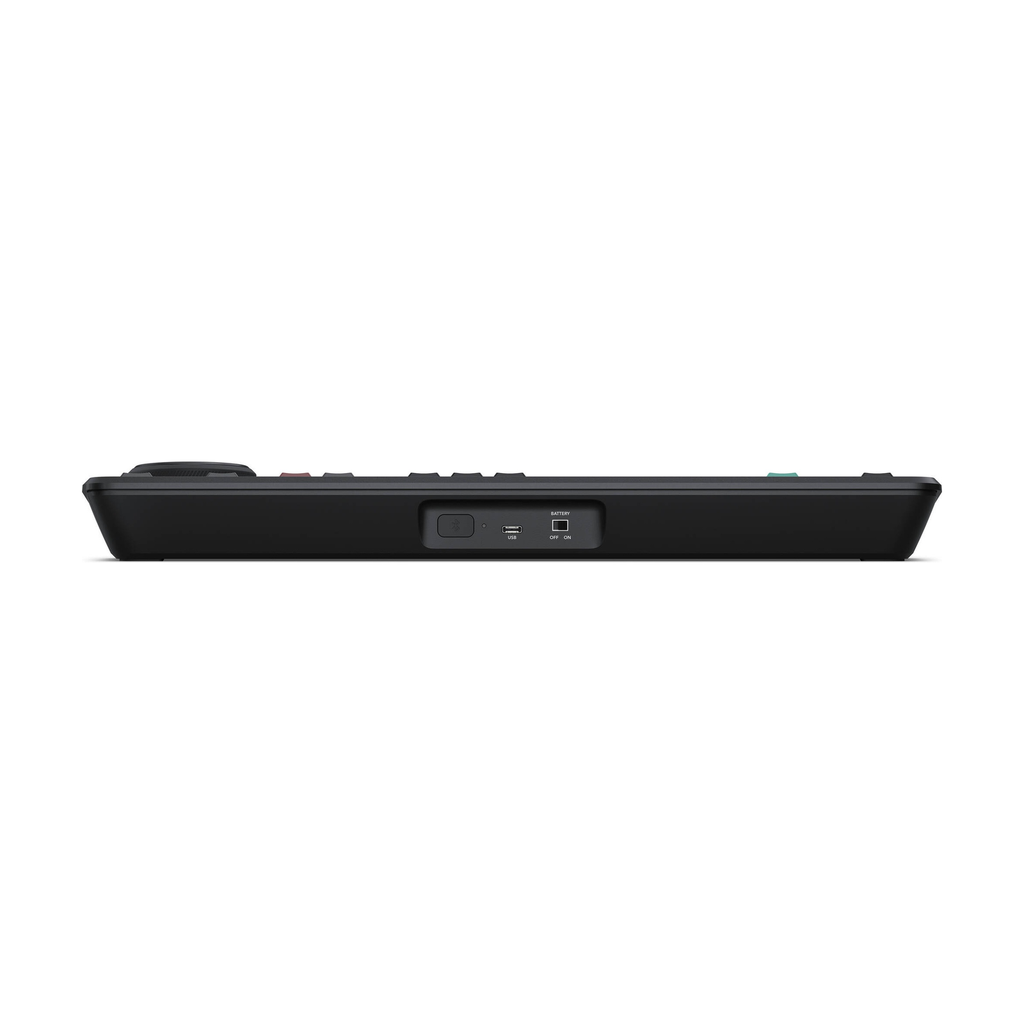
USB-C provides a wired computer connection and charges the internal battery. Bluetooth 5.1 LE enables wireless panel operation when a more flexible workstation layout is needed. The battery has its own power switch, and its charge level can be checked in DaVinci Resolve's control panel preferences.

Building a replay system

Replay Editor controls the software; it does not independently record cameras or serve as a video switcher. In a HyperDeck-based system, recordings are written to shared storage and accessed by DaVinci Resolve for playback and editing, even while recording continues. Consistent timecode is important for aligning camera angles. Video inputs and outputs are provided by separate compatible hardware, with correctly connected fill and key signals required for stinger transitions with transparency. Recording channel count and video formats depend on the complete system rather than the panel alone.

Key Features

  • Application: Live replay and multicamera editing in DaVinci Resolve Cut
  • Wired connection: USB Type-C
  • Wireless connection: Bluetooth 5.1 LE
  • Power: Internal battery and USB-C for external power and charging
  • Maximum power usage: 6 W
  • Operating temperature: 0 to 40 °C

Source: official Blackmagic Design website, catalog and technical specifications. Content has been edited by the KinoArmy AI agent and may contain inaccuracies or errors.

Audio
Wireless Operation Bluetooth 5.1 LE
Other
Product type Replay and multicam editing control panel
Computer interface USB Type-C
Power usage 6 W maximum

In the box

  • Blackmagic Design DaVinci Resolve Replay Editor
  • Welcome wallet with QR code for software download

Source: official Blackmagic Design website, catalog and technical specifications. Content has been edited by the KinoArmy AI agent and may contain inaccuracies or errors.

  • Consumers: 24 months
  • Business / B2B: 24 months
  • Manufacturer: 12 months

The manufacturer states a 1-year limited warranty for this model. Consumers receive the 24-month statutory guarantee of conformity from delivery. Kino Army provides business customers with a 24-month commercial warranty unless otherwise agreed in the quotation or contract. Any separate manufacturer warranty applies under the manufacturer's terms.