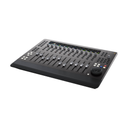
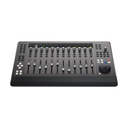
Blackmagic Design Fairlight Desktop Console
Blackmagic Design Fairlight Desktop Console is a desktop control surface for mixing audio in DaVinci Resolve's Fairlight page. Physical access to several tracks at once lets you shape the balance of dialogue, music and effects with both hands rather than a succession of mouse movements. Its compact format suits small studios, advertising projects, online content and independent postproduction that need tactile mix control without a large modular console.
Channel strips and banks
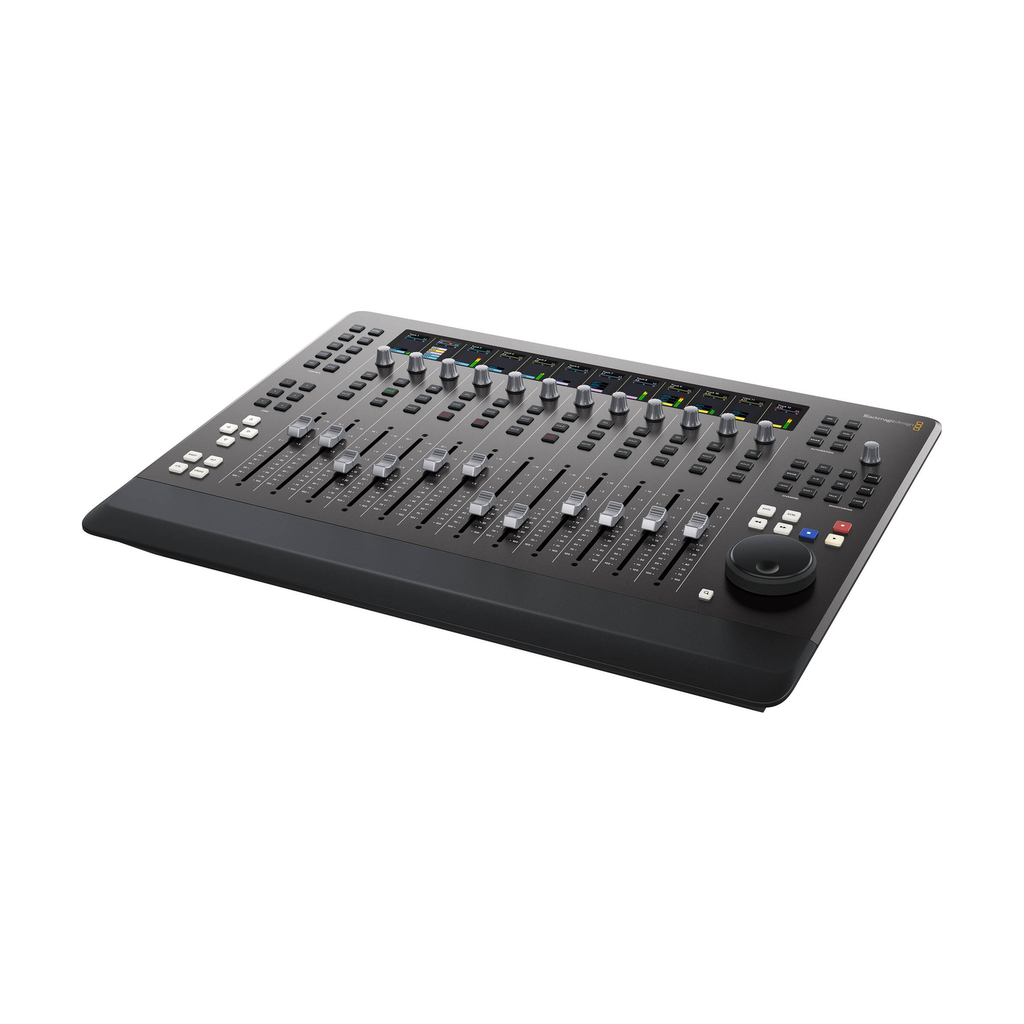
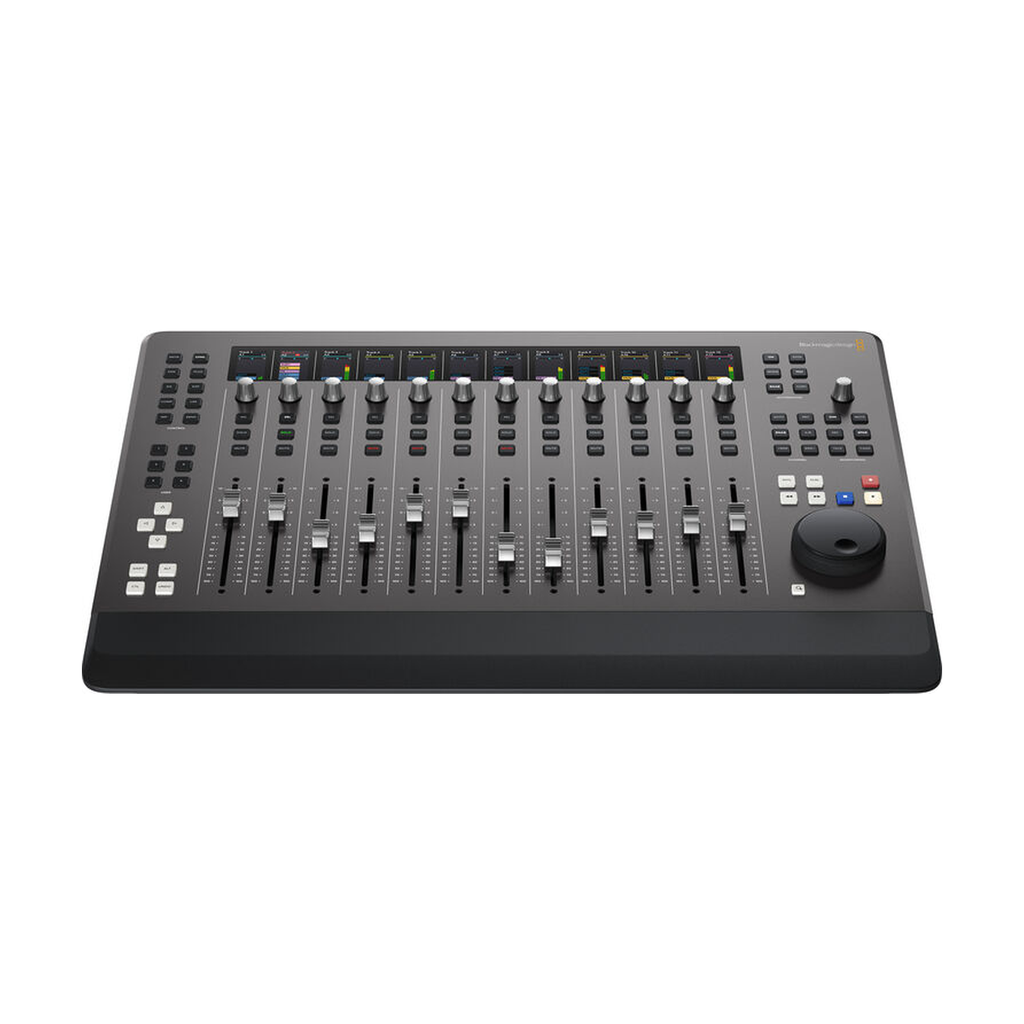
Each of the 12 channel strips combines a touch-sensitive motorized fader with 100 mm travel, a multifunction rotary control, solo and mute buttons, and an individual LCD. The displays show track name, number and color, levels, panning and automation status. Strips can control individual tracks, groups or buses, while bank switching brings other channels onto the same physical faders. The number of physical controls therefore does not impose a 12-track limit on the project.
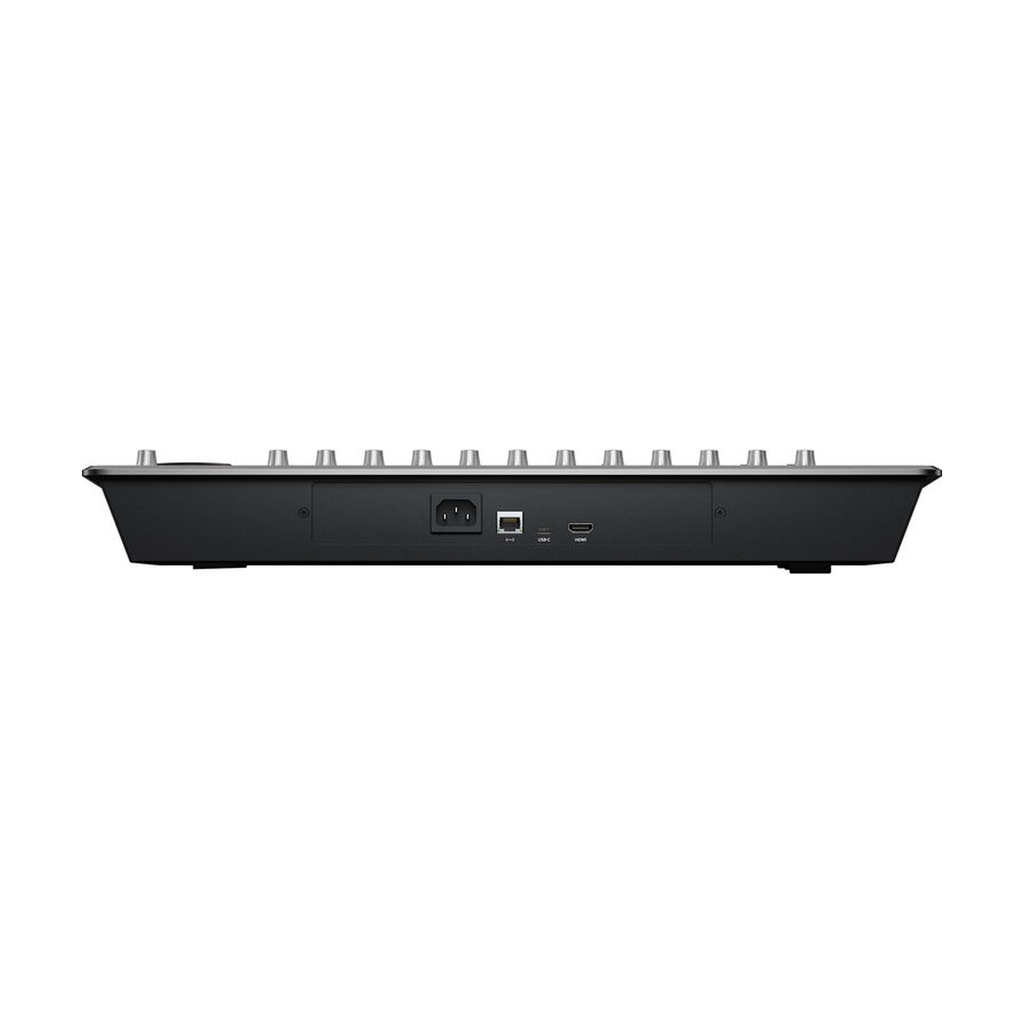
The console controls the software mix; it does not replace the audio interface used for microphones, instruments and studio speakers. USB-C provides the computer connection as well as configuration and updates through the setup utility. Its HDMI output sends graphical feedback from the console to an external display. Parameters can remain visible while the main screen shows the timeline, without extra windows covering the edit.
From track balance to detailed processing
In the normal strip mode, each channel strip works on an individual track. Focus mode assigns the rotary controls and select buttons across the console to the parameters of one selected track. You can adjust several EQ frequency ranges simultaneously or work on dynamics and plug-in parameters without continually moving a pointer between settings. Function selection buttons provide access to channel and master bus controls, panning and processing.
The multifunction pan control supports resetting a parameter by holding Control and tapping, while Shift provides finer adjustment. Select buttons bring up track parameters and automation or plug-in controls. In addition to the main track levels, faders can be assigned to send and recording levels, keeping these adjustments under physical control.
Automation and navigation
Touch-sensitive faders and knobs let the system recognize the operator's intervention as soon as they are touched. Movements can be recorded as Fairlight automation and edited afterwards. Six buttons control automation enablement, recording method and the curves shown in the timeline. Transport buttons and the navigation wheel help locate a precise moment, scrub through material and change timeline zoom. This is useful for repeated level corrections and shaping transitions within the audio mix.
Visual feedback and monitoring control
An HDMI display can show graphical feedback for channels, buses, EQ, dynamics and plug-in interfaces. The display follows the current task, including the selected track in Focus mode. Dedicated monitoring controls provide source selection, studio and booth level adjustment, speaker dim and mute. Talkback control requires a Fairlight Audio Interface connected to the computer; the console alone does not provide that audio path.
Key features and connections
- Channel strips: 12, with touch-sensitive motorized faders offering 100 mm travel.
- Channel indication: 12 individual LCDs for track information and level metering.
- Computer connection: USB-C; software configuration and updates via USB-C.
- Network connection: Ethernet 10/100/1000 BaseT.
- Graphical display output: 1 × HDMI Type A.
- HDMI formats: 1080p23.98, 1080p24, 1080p25, 1080p29.97, 1080p30, 1080p50, 1080p59.94, 1080p60.
- Power supply: internal, 100-240 V AC, 50/60 Hz, IEC C14 inlet.
- Maximum power consumption: 20 W.
- Operating temperature: 0 to 40 °C.
Installation and included items
A soft front bumper supports comfortable operation during long sessions, and the enclosure can be installed flush in a custom desk. The internal power supply removes the need for an external power brick. The package includes Fairlight Desktop Console and a 1.5 m USB-C cable. The computer, external HDMI display and audio interface are supplied separately.
Official product page: Blackmagic Design Fairlight Desktop Console
Source: official Blackmagic Design website, catalog and technical specifications. Content has been edited by the KinoArmy AI agent and may contain inaccuracies or errors.