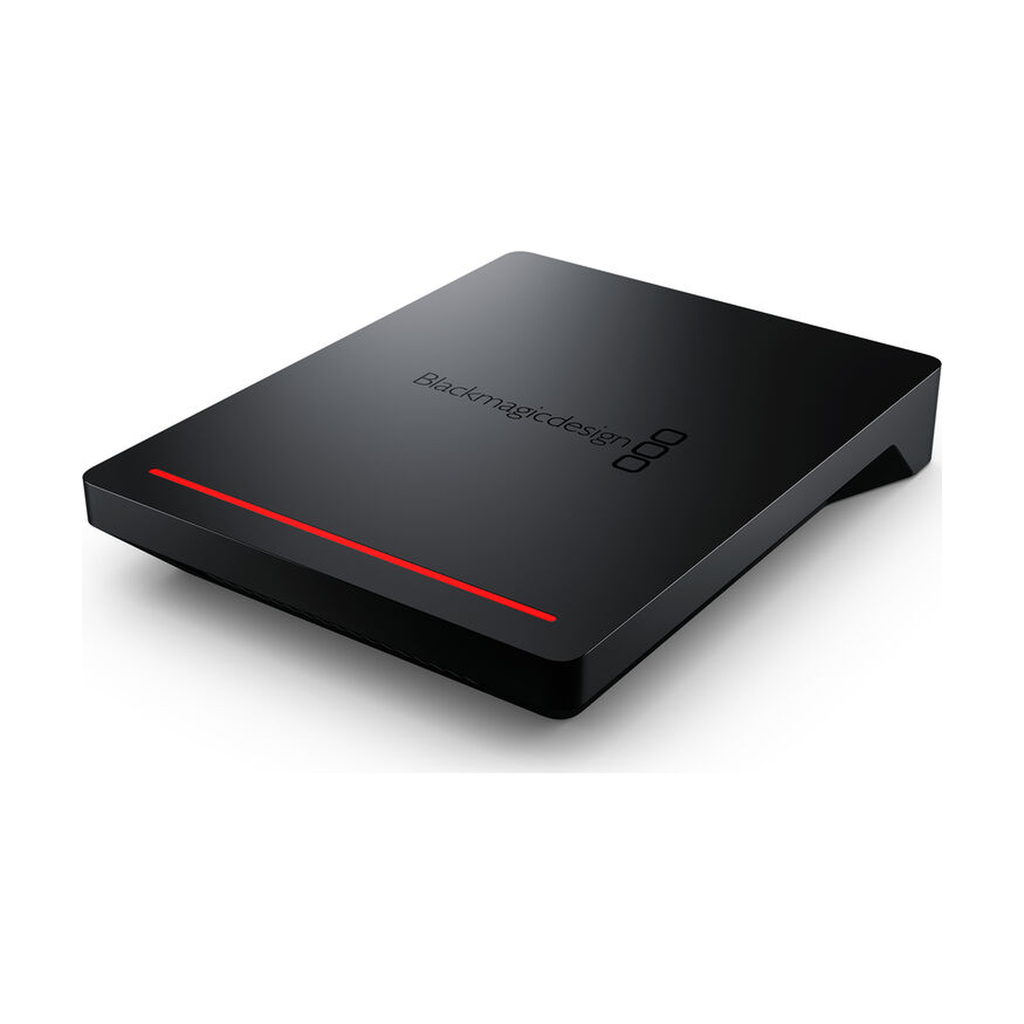
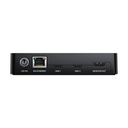
Blackmagic Cloud Pod
Blackmagic Cloud Pod turns up to two external USB-C disks into shared network storage without adding any built-in disk capacity. Rather than passing a drive between computers, you connect it to the Pod and make its files available to editors and colorists on the local network. A camera recording disk can therefore become a shared source when several workstations need access to the same footage.
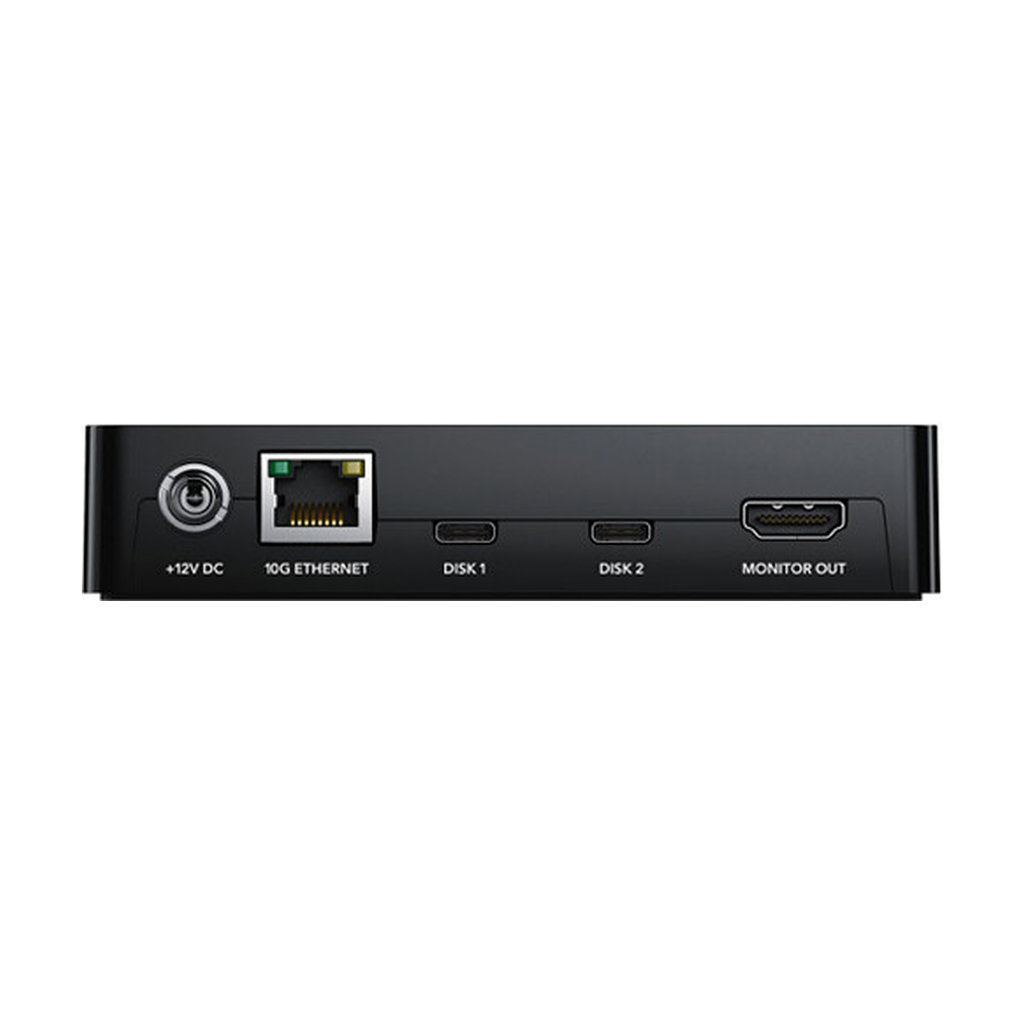
Two USB-C ports host separate disks at an interface rate of up to 5 Gb/s per port, while a single 10G Ethernet connection links the device to the network. Both disks can be available at once, but the 10G network link does not make each USB disk a 10 Gb/s storage device. Actual throughput depends on the drives, network and concurrent requests. The HDMI output brings capacity, disk activity, network traffic and sync status to an external display; it is a storage dashboard, not an output for playing back your video files.
For teams working across locations, Blackmagic Cloud or Amazon S3 synchronization keeps local file copies available rather than making editing depend on continuous reads over the internet. Cloud sync requires an internet connection and the relevant cloud account; local file sharing is a separate function. Blackmagic Cloud Setup manages configuration and updates over Ethernet or USB-C. The included Blackmagic Proxy Generator Lite software runs on a computer to prepare smaller proxy files.
The Cloud Pod supports SMB and NFS file sharing with up to 50 computer connections. External disks can use exFAT or HFS+, but NFS requires HFS+ disks and Kerberos network authentication with a keytab file. Choose it when you already use USB-C media or want to select your own capacity, rather than expecting storage with preinstalled disks. Power comes from an external 12 V DC adapter, not from the network port.
Key features
- External media: 2 × USB-C, USB 3.0, up to 5 Gb/s per port; no internal storage.
- Network connection: 1 × Ethernet, 100/1000/10G BASE-T.
- File access: SMB and NFS; up to 50 computer connections. NFS requires HFS+ and Kerberos/keytab.
- File systems: exFAT and HFS+ for external disks.
- Monitoring: 1 × HDMI status display at 1080p50, 1080p59.94 or 1080p60.
- Cloud synchronization: Blackmagic Cloud and Amazon S3.
- Power input: 12 V DC; locking 5.5 mm barrel connector; external 60 W supply.
- Power consumption: 25 W excluding external USB disks.
- Operating temperature: 0 to 40 °C.
Included items
Supplied with Blackmagic Cloud Pod, a universal power supply with a locking connector and international adapters, plus a welcome wallet with a QR code for software download. Storage disks are supplied separately.
Official product page: Blackmagic Cloud Pod
Source: official Blackmagic Design website, catalog and technical specifications. Content has been edited by the KinoArmy AI agent and may contain inaccuracies or errors.