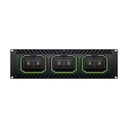
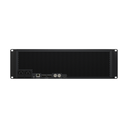
Blackmagic Media Dock
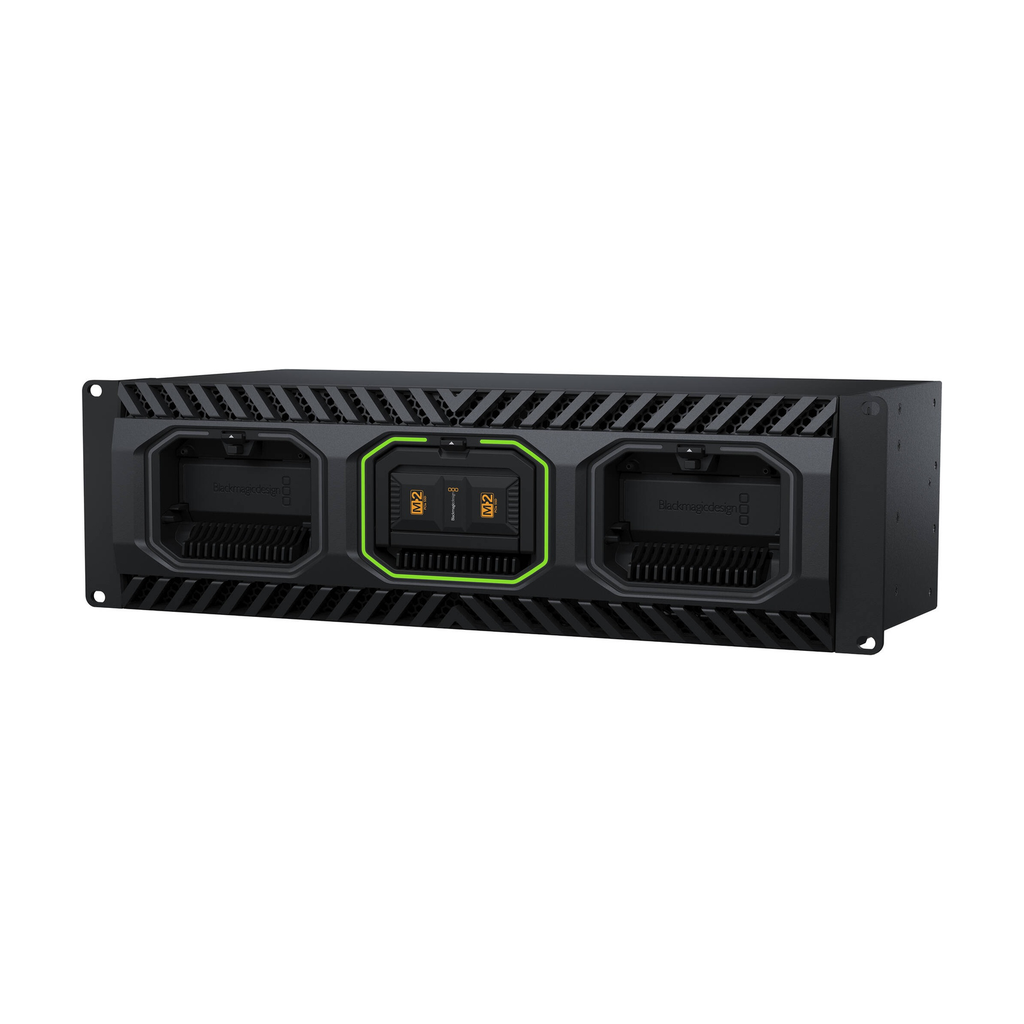
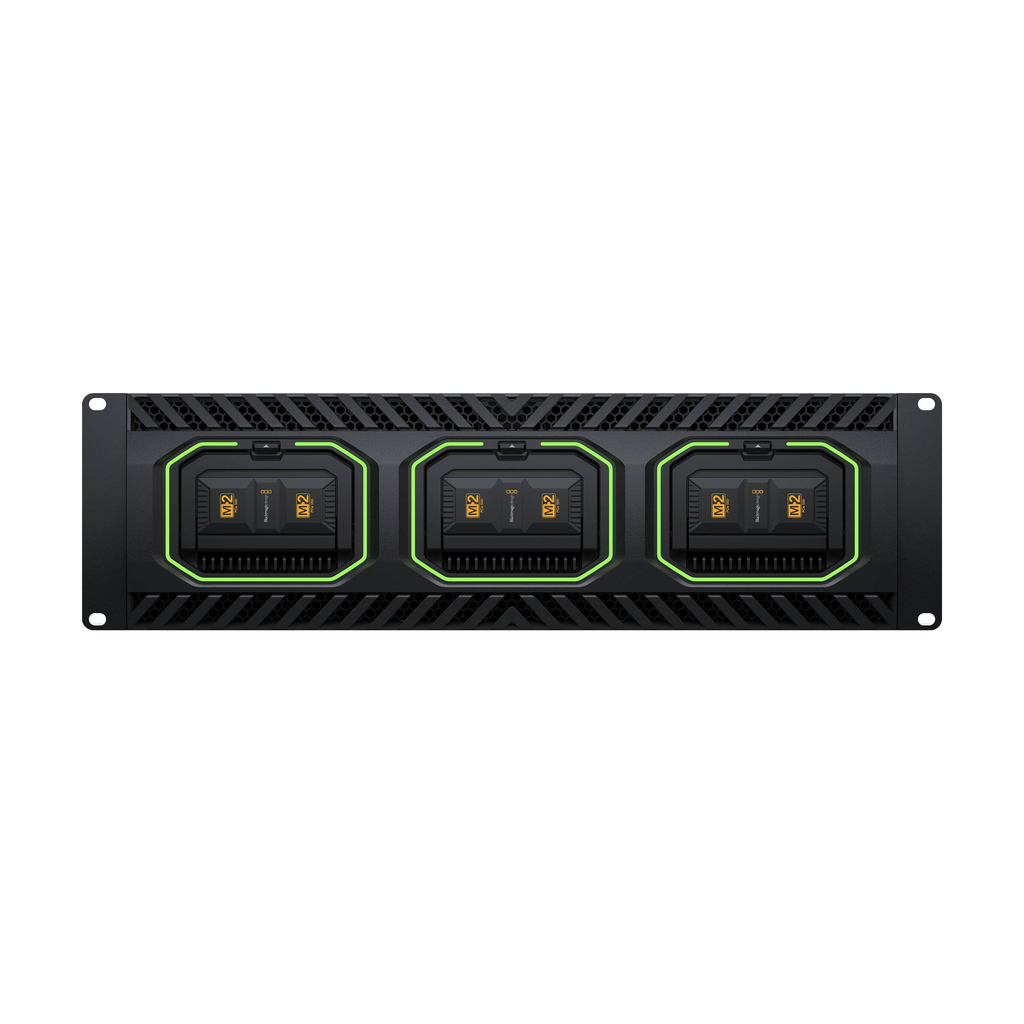
Blackmagic Media Dock connects media from URSA Cine cameras to editing workstations without first copying the footage to a separate working drive. Its three front bays accept Blackmagic Media Modules and support reading and writing files on three modules simultaneously. On set, the dock can form part of a DIT cart for reviewing footage and colour grading; in post production, it gives editors and colourists shared access to the recorded material.
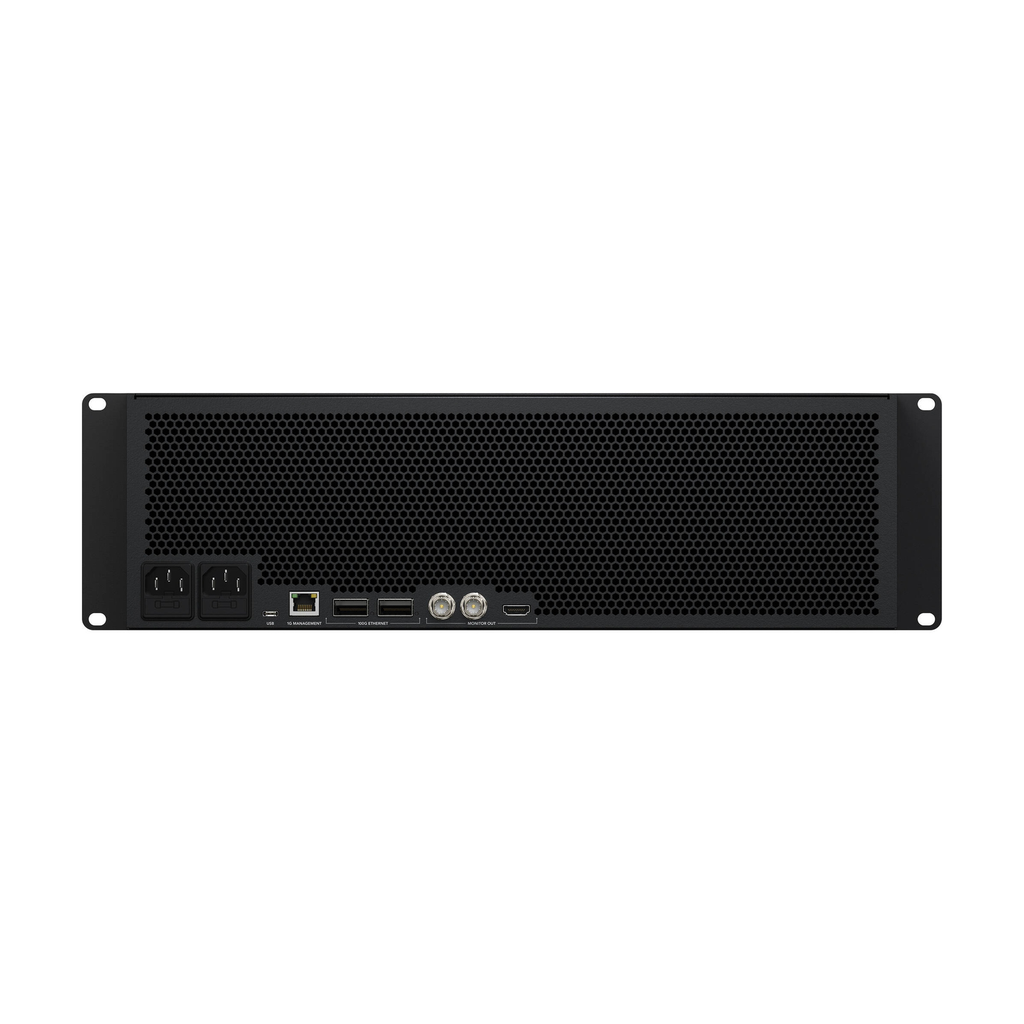
Four 10G Ethernet ports form a built-in network switch, allowing four workstations to connect directly. Files are shared over the network instead of requiring a separate working copy on every computer. USB-C adds file access through Ethernet over USB at an interface speed of up to 5 Gb/s, alongside configuration and software updates. This is network access over USB, not a Thunderbolt connection or a video recording input.
The rack-mount chassis occupies 2U and includes redundant power with dual AC inputs. Modules can be exchanged without powering down the dock, using the mechanical latch handle to seat and release each module. LED rings indicate activity, while the HDMI output provides a storage and network status dashboard. This output is for technical monitoring, not for playing clips as a video signal to a reference monitor.
Shared access and network options
SMB sharing and up to 200 computer connections are supported; that connection limit is not a promise of simultaneous editing of 200 video streams. With a suitable computer equipped with two to four Ethernet ports of matching speed, SMB3 Multichannel uses multiple direct connections to exceed the bandwidth of a single 10G port. A named user account with a password is required because this mode is unavailable with guest access. NFS is specified only for HFS+ formatted disks and should not be assumed to work unconditionally with every recording medium.
Local operation and cloud synchronisation
Blackmagic Cloud Store Setup for Mac and Windows manages configuration, user access and synchronisation. Local storage can operate on an isolated network without internet access or a mandatory subscription for its management. Blackmagic Cloud and Amazon S3 synchronisation are available for collaboration between locations. Selecting folders and a transfer direction lets the remote team work with local copies; cloud synchronisation requires internet access and the relevant service, rather than providing a direct 10G connection across the internet.
Key features
- Media: up to 3 Blackmagic Media Modules; supported versions include 8TB, 16TB and CF.
- Network ports: 4 × 10G BASE-T.
- USB interface: 1 × USB-C, USB 3.0 up to 5 Gb/s, Ethernet over USB.
- Status output: 1 × HDMI, 1080p50, 1080p59.94 and 1080p60.
- Dashboard information: capacity and storage use, cloud synchronisation, user activity, hardware status and network data-rate graph.
- Installation: 2U rack.
- Power: 100-240 V AC, 50/60 Hz; specified power usage 95 W.
- Operating temperature: 0 to 40 °C.
Media selection and model boundaries
Media Dock is a station for Blackmagic Media Modules, not a universal bay for standard SATA or U.2 drives. Storage capacity depends on the installed modules, which are not part of the listed package contents. This is the four-port 10G model, not Media Dock Ultra with 100G connectivity and SDI monitoring. Direct editing removes the preliminary copy needed for access, but does not replace a separate backup of the original footage.
Official product page: Blackmagic Media Dock
Source: official Blackmagic Design website, catalog and technical specifications. Content has been edited by the KinoArmy AI agent and may contain inaccuracies or errors.