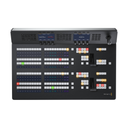
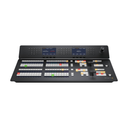
Blackmagic Design ATEM 2 M/E Advanced Panel 20
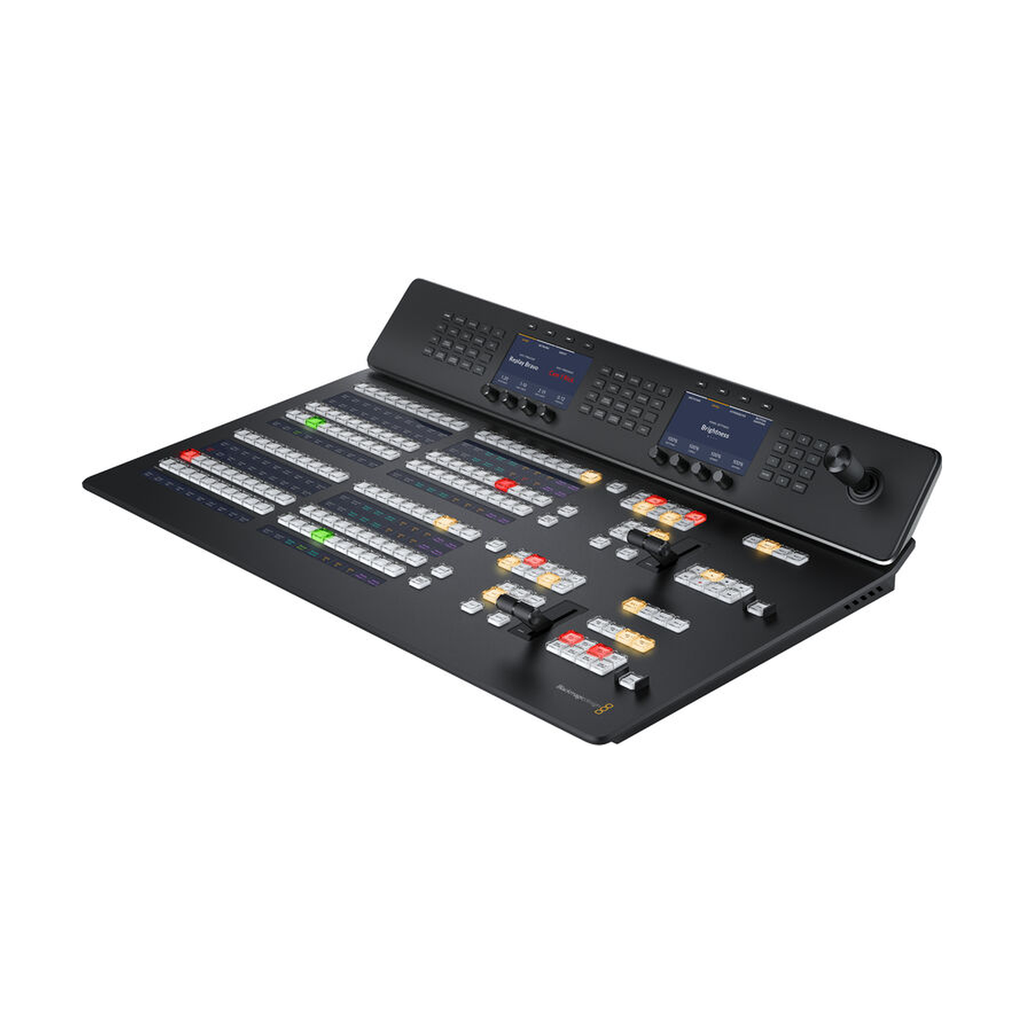
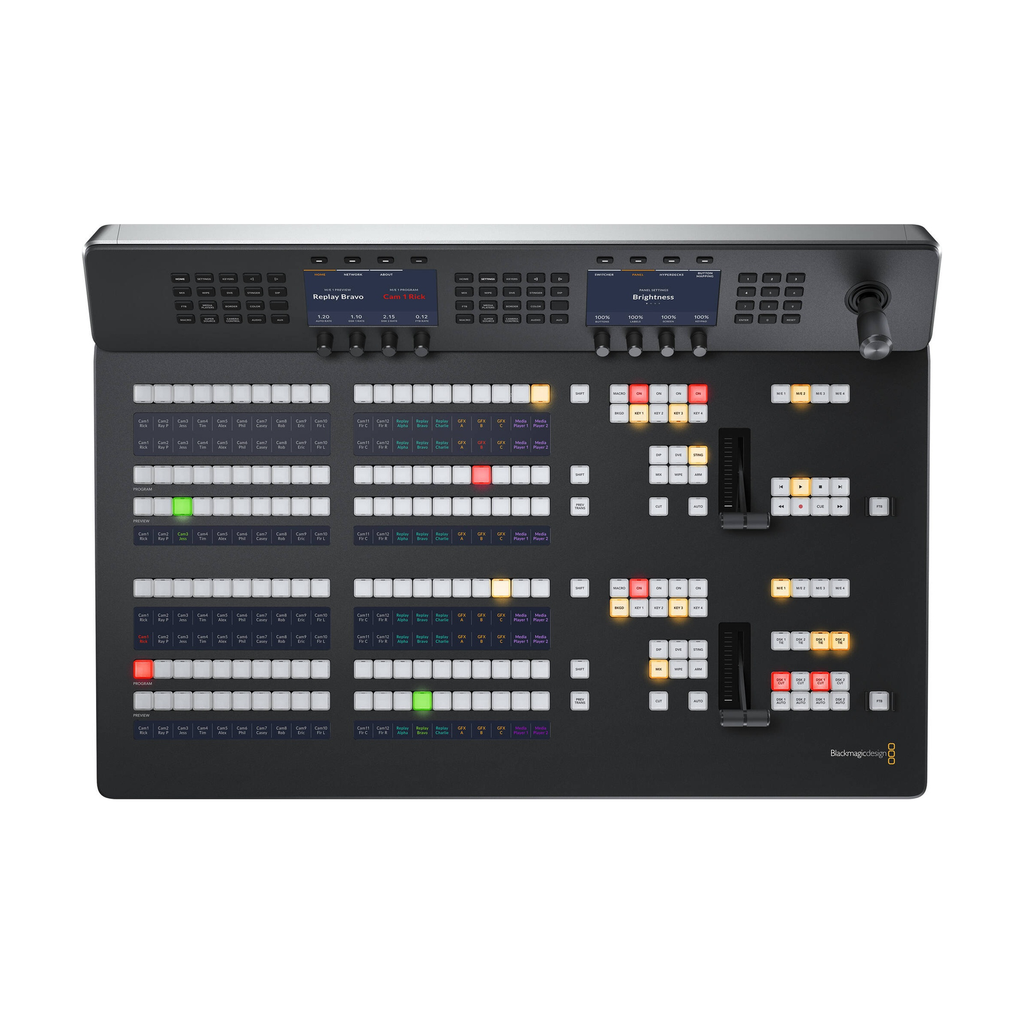
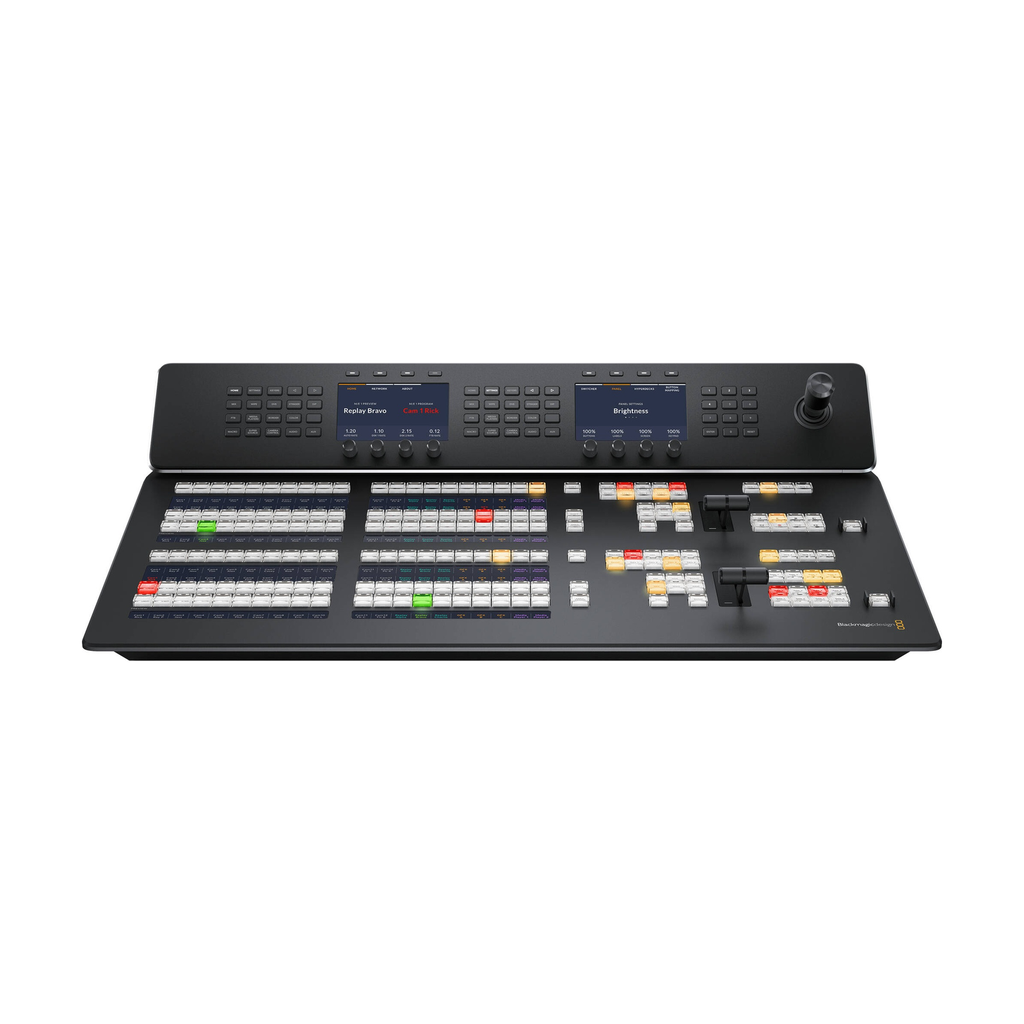
Blackmagic Design ATEM 2 M/E Advanced Panel 20 is a hardware control surface for an ATEM switcher, designed for control rooms, multicamera broadcasts and live productions. Two physical M/E rows provide immediate access to two mix/effects working layers without continually changing software windows. Each row has 20 direct source-selection buttons, its own select bus and a dedicated transition fader.
The panel separates preparation of the next shot from the current program. Select a source on the preview bus, check it on a monitor connected to the switcher, then take it to air with CUT or AUTO. The two T-bars let you perform transitions manually when timing needs to follow an event or musical performance. Preview transition allows you to check a complex combination of video and graphics before using it in the program.
This is a control surface, not a standalone video switcher: sources, monitors and outputs connect to the separate ATEM unit. That switcher determines the available video interfaces, M/E processing, keyers and digital effects. On larger ATEM systems, each physical row can be assigned to control up to 4 M/Es; it does not add processing blocks to the switcher.
Identifiable sources and independent settings
Tri-color LED illumination shows button status, while LCD labels identify sources by their assigned names. Shift extends access from 20 direct selections to 40 selectable sources. Two system control LCDs, one per M/E row, offer independent access to menus and parameters. Context-sensitive buttons and rotary controls adjust transitions, keys and other functions provided by the connected ATEM.
Transitions, effects and repeatable actions
The three-axis joystick controls DVE image position and size for effects supported by the switcher, such as picture in picture. Dedicated transition and key controls reduce the need to find these actions in menus. Two groups of 20 macro buttons provide direct access to prepared sequences, useful for recurring opening graphics and composition changes. The hardware panel and ATEM Software Control can operate together, with changes reflected across the interfaces.
Network connection and redundant power
Four 10/100/1000 BASE-T Ethernet ports connect the panel to an ATEM and provide loop-through connectivity for additional panels or computers. To establish control, the panel and switcher must share the same subnet, and the panel must be configured with the correct ATEM IP address. USB-C is used for firmware updates rather than video capture. Two internal 100-240 V AC power supplies support redundant power for a permanent control-room installation.
Key features
- Physical M/E rows: 2.
- Source selection: 20 direct buttons per row; 40 shifted positions.
- System control LCDs: 2, with independent menus.
- Manual controls: 2 T-bars, 1 three-axis joystick and 1 numeric keypad.
- Macro buttons: 2 × 20.
- Network ports: 4 × 10/100/1000 BASE-T.
- Firmware updates: 1 USB-C port.
- Power supply and consumption: 2 × 100-240 V AC; 100 W.
- Operating temperature: 0 to 40 °C.
Official product page: Blackmagic Design ATEM 2 M/E Advanced Panel 20
Source: official Blackmagic Design website, catalog and technical specifications. Content has been edited by the KinoArmy AI agent and may contain inaccuracies or errors.